Sunquà
A mobile app that helps people find bars and cafés with sunny outdoor seating in Copenhagen.
Explore
A search and rescue system for natural disasters, designed across a wearable device, a rescuer app, and a civilian app.
Designing for natural disasters means designing for two completely different realities at once: the people trying to find, and the people waiting to be found. This is a system that holds space for both.
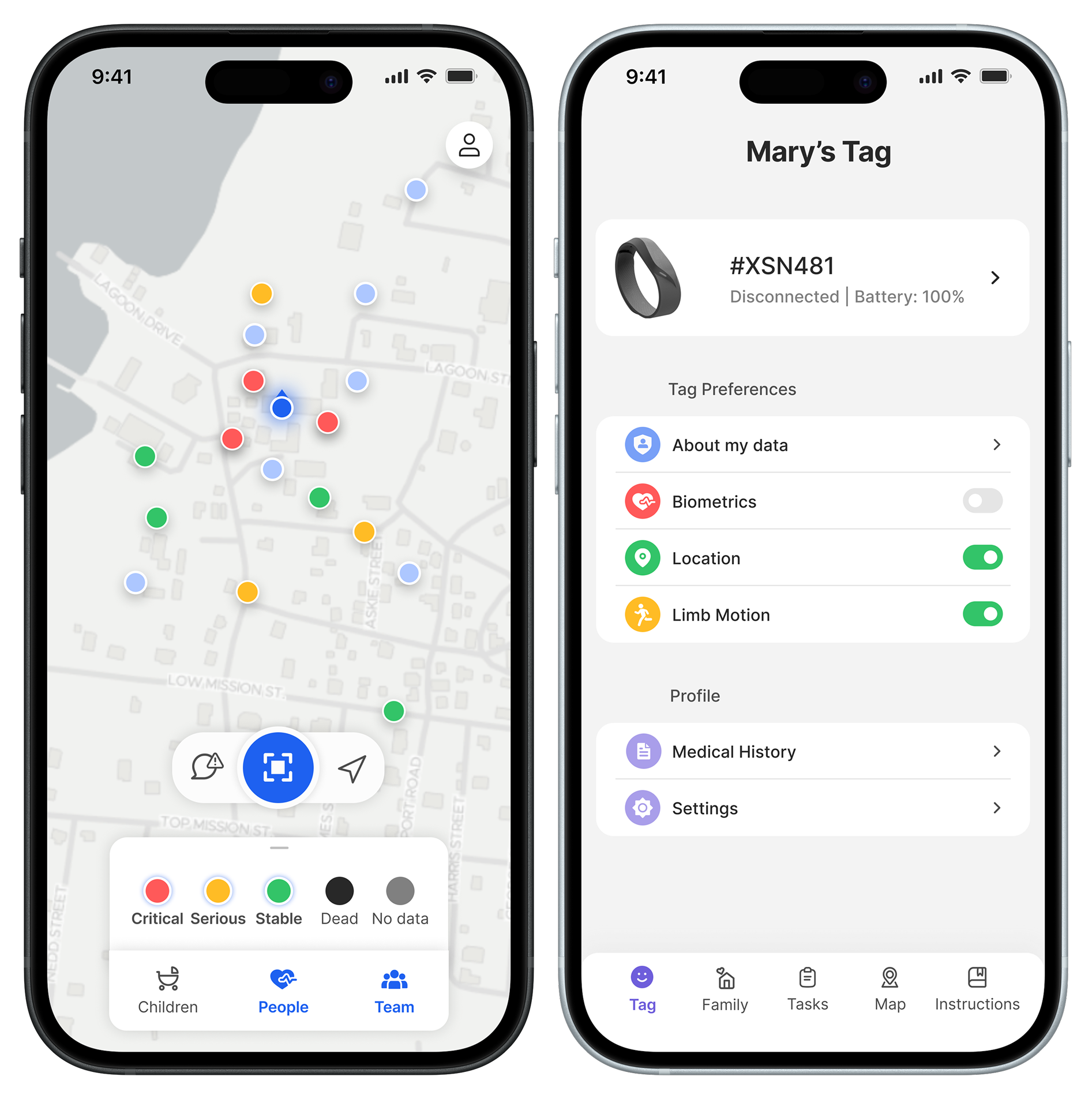
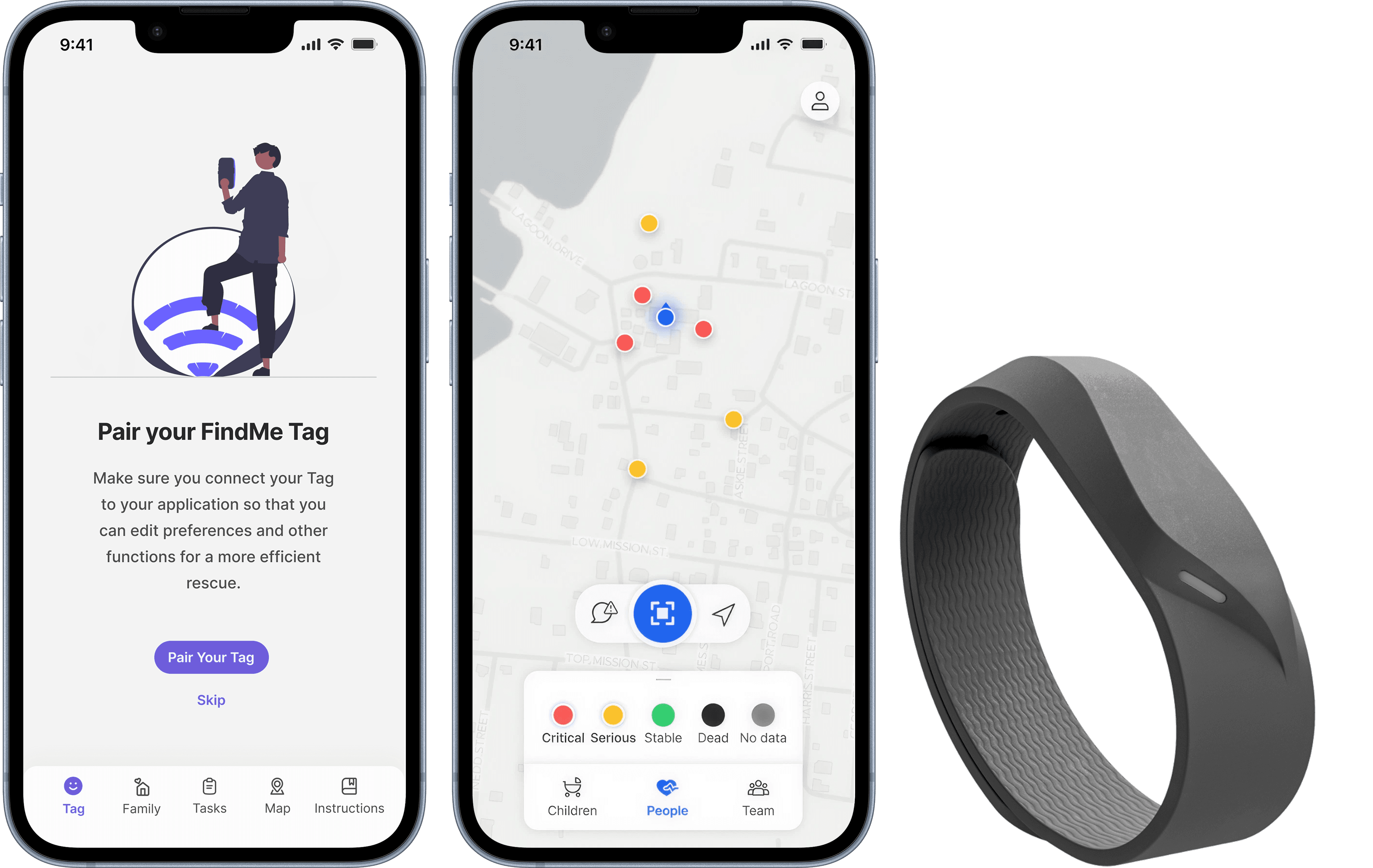
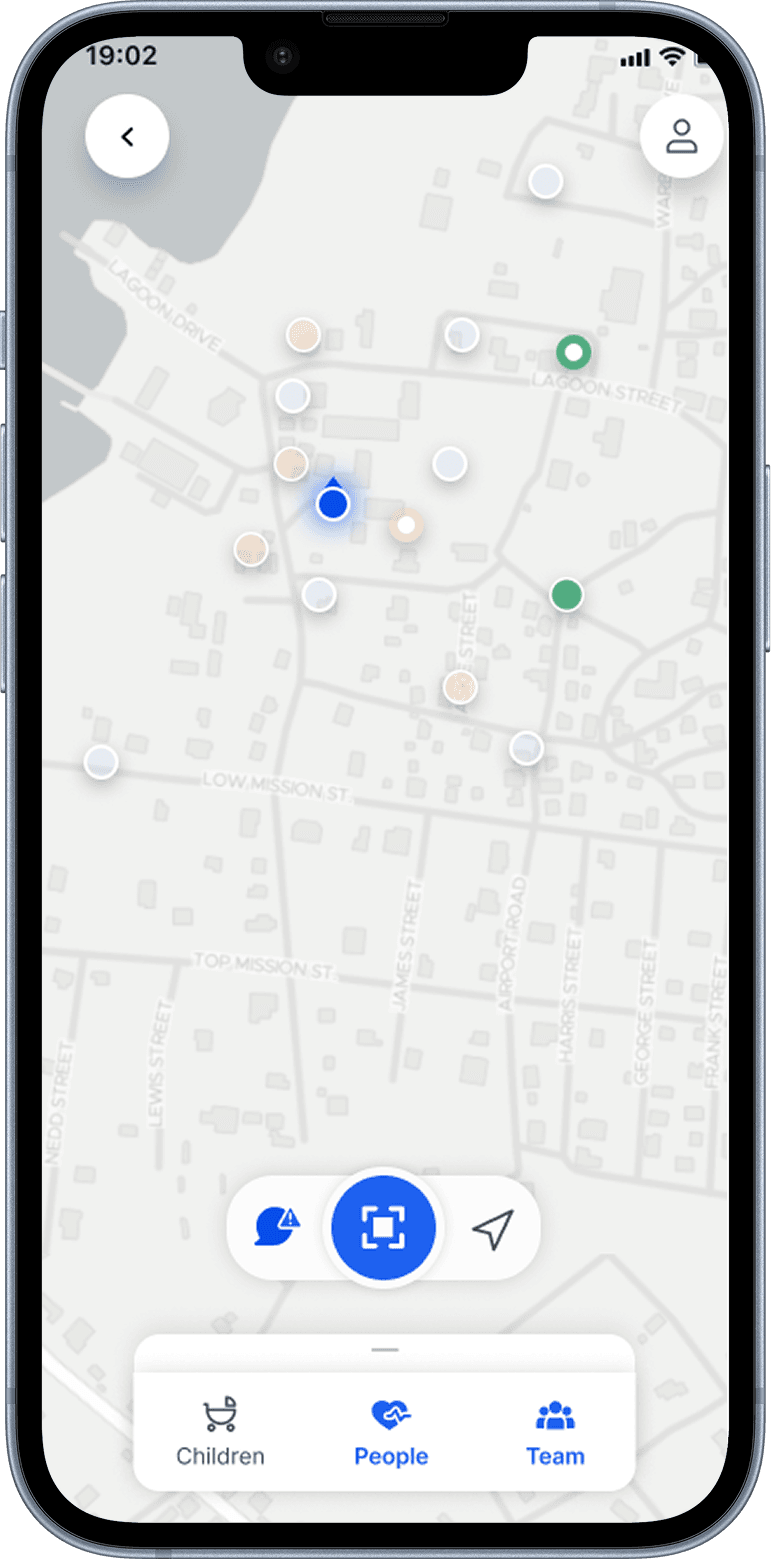
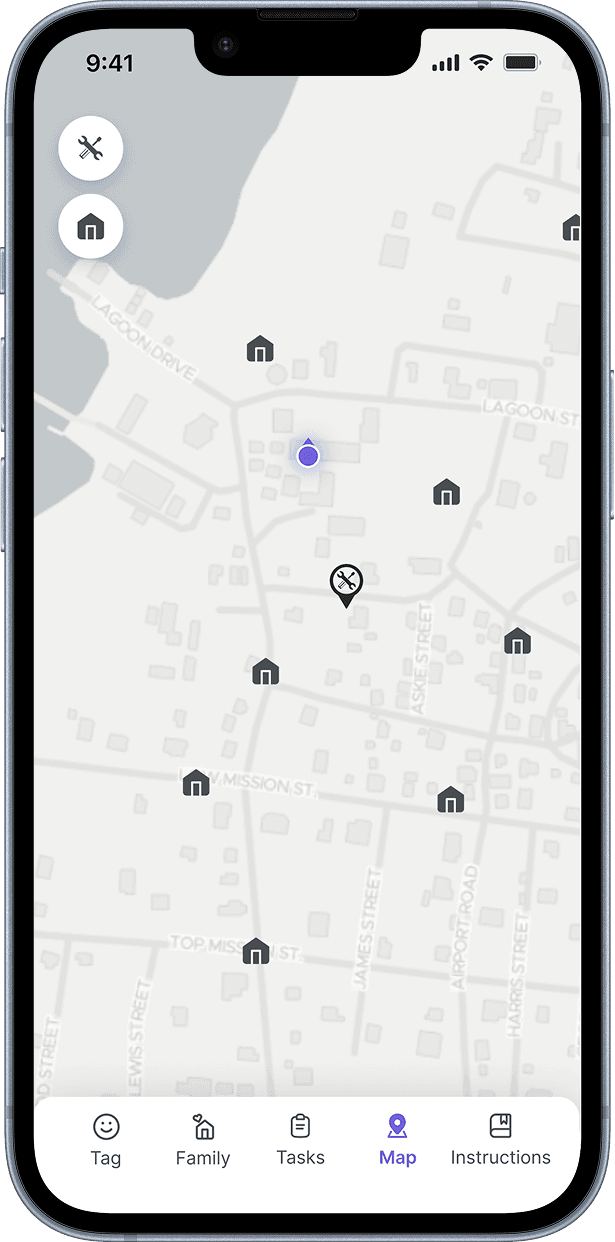
A system to support search and rescue operations after natural disasters, designed across three connected parts: a wearable device that tracks location and vital signs, an app for rescuers that visualises victims and coordinates field operations, and an app for civilians that supports preparation before disasters and helps reconnect families after. Designed in collaboration with Frog Design, Sony, and UNOPS as a master's thesis project.
“Help people prepare for natural disasters and facilitate rescue efforts after them, by assisting rescue workers in locating victims and prioritising where to help.”
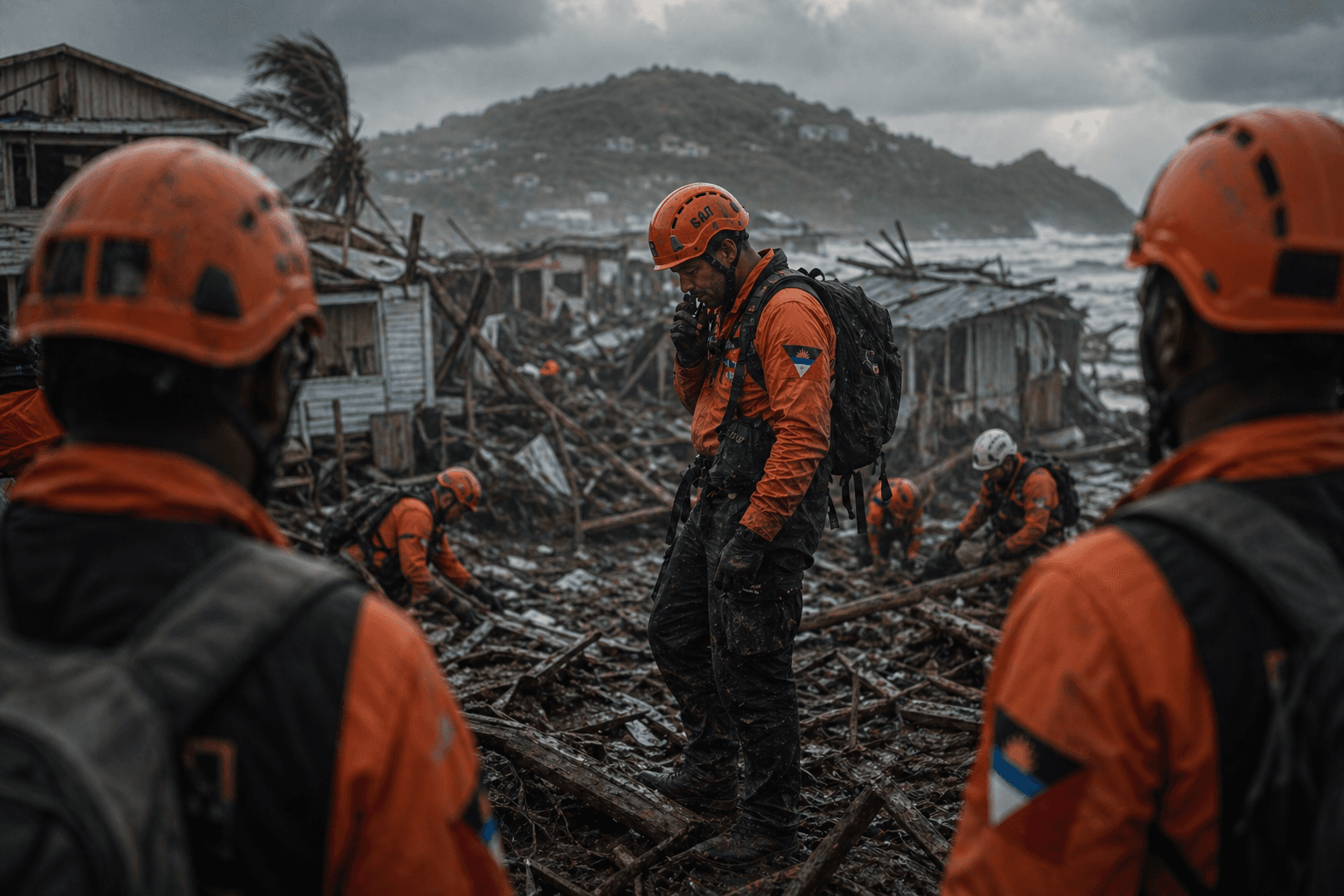
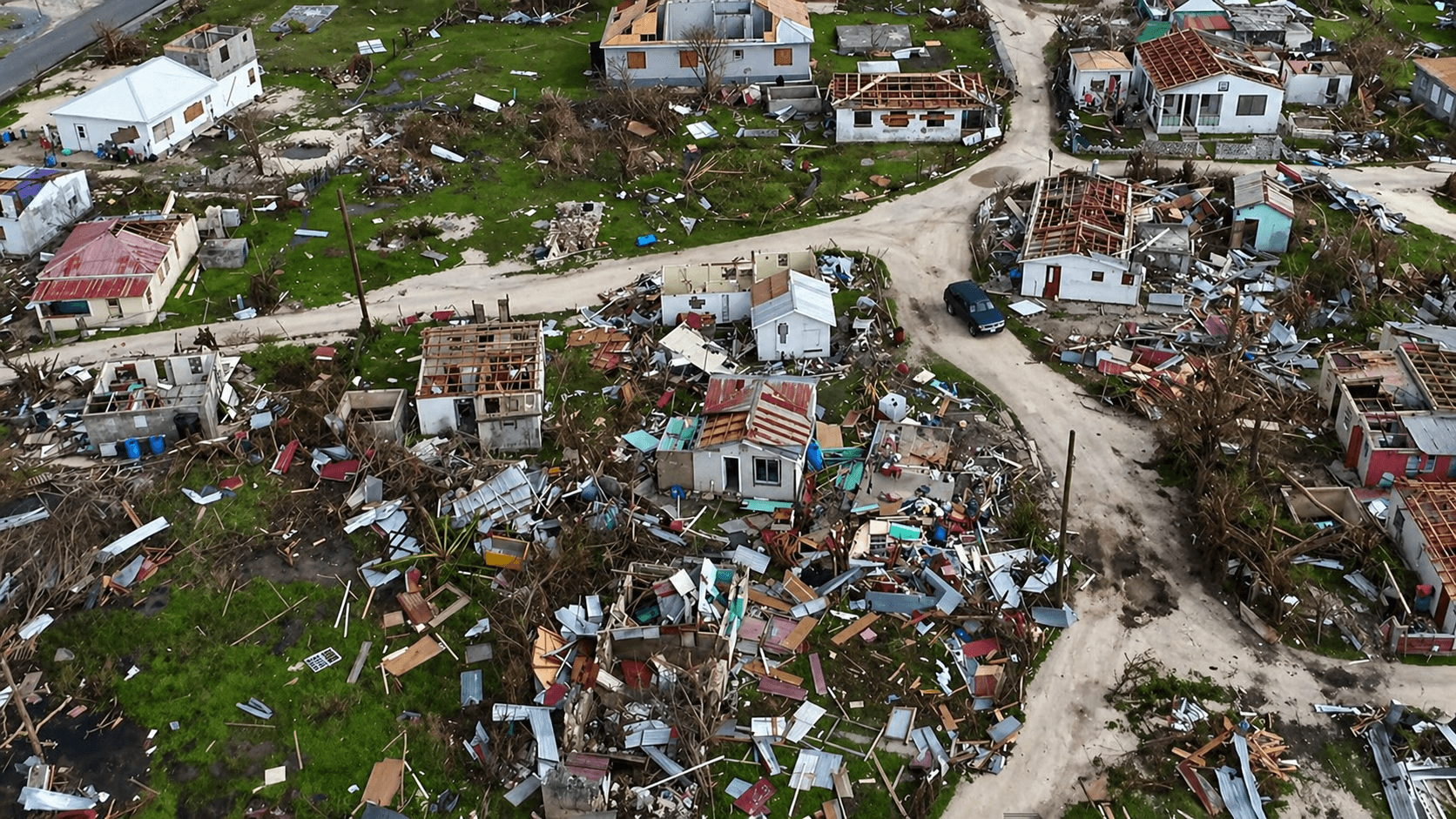
Natural disasters hit hardest in regions with the fewest resources to respond. Rescue operations are slow, fragmented, and reliant on visual searches in environments where infrastructure has collapsed. But the design challenge wasn't only about the rescue side. Civilians caught in disasters need more than to be found. They need to know their data is safe, understand what to do before a disaster hits, and reconnect with family afterward to begin rebuilding. Rescuers need speed, clarity, and coordination. Civilians need agency, transparency, and reassurance. These are different problems with a shared goal, and existing solutions tended to address only one side.
Two things, layered.
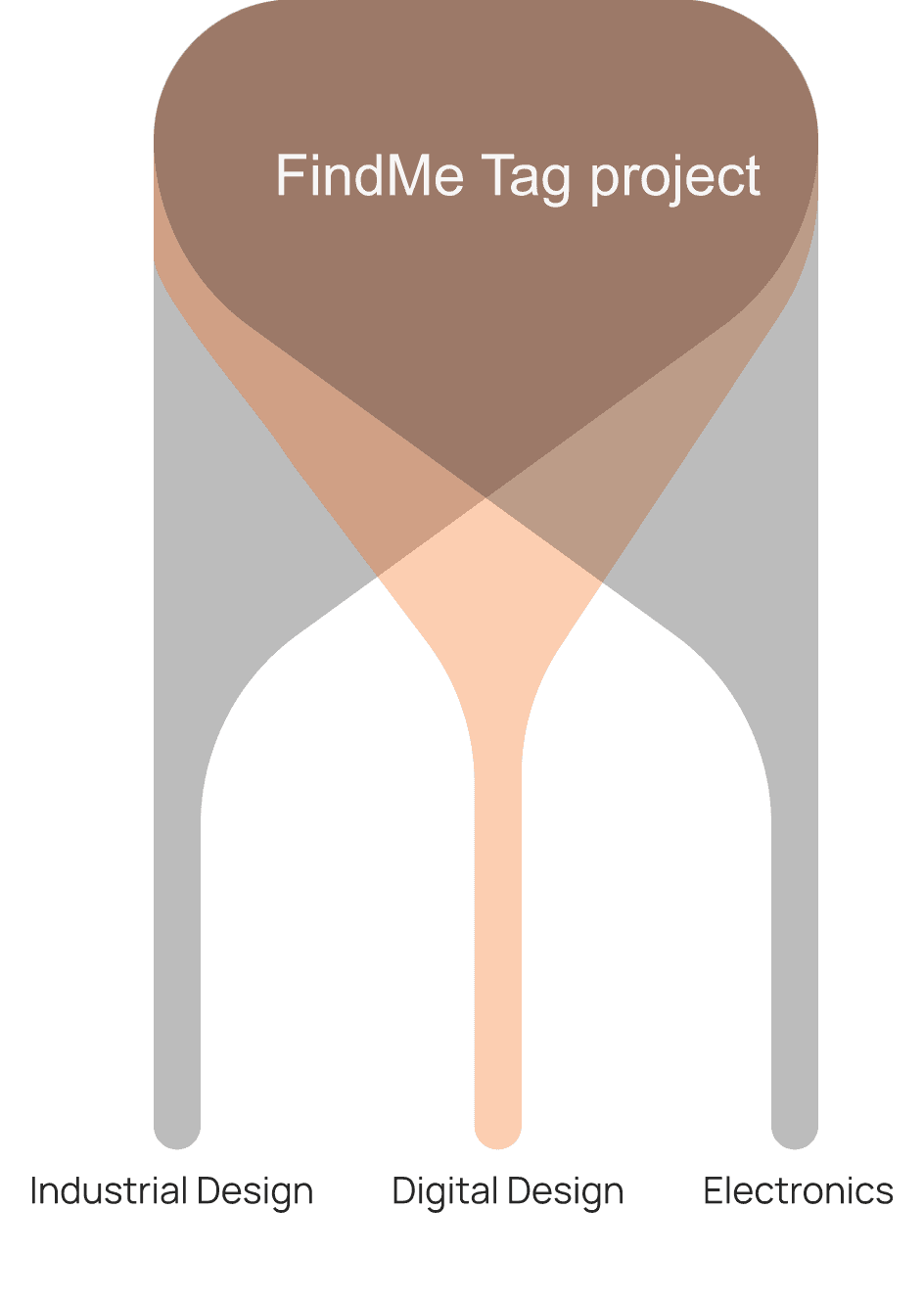
First, we worked across three disciplines: industrial design, electronics, and digital design. Designing inside a multidisciplinary team meant every digital design decision was constrained by what was hardware-feasible and purpuseful.
The interface couldn't be designed in isolation from the device. The two had to be developed in dialogue.
Second, the research itself reframed the design space. Civilians were skeptical about sharing biometric data, and that skepticism couldn't be designed around. It had to be designed for. A finding like that doesn't refine the brief, it changes it.
The research wasn't an opening phase that ended when design started. It shaped every decision that followed.
The shared backbone across the teams was research. Literature reviews on disaster response.
Expert interviews with emergency room doctors, disaster psychiatrists, and a professor of risk management and societal services.
Fieldwork in Antigua and Barbuda to understand how disaster preparedness actually plays out in communities most affected by climate-driven hazards.
Co-design workshops with civilians to test assumptions about wearables, data sharing, and emergency communication.
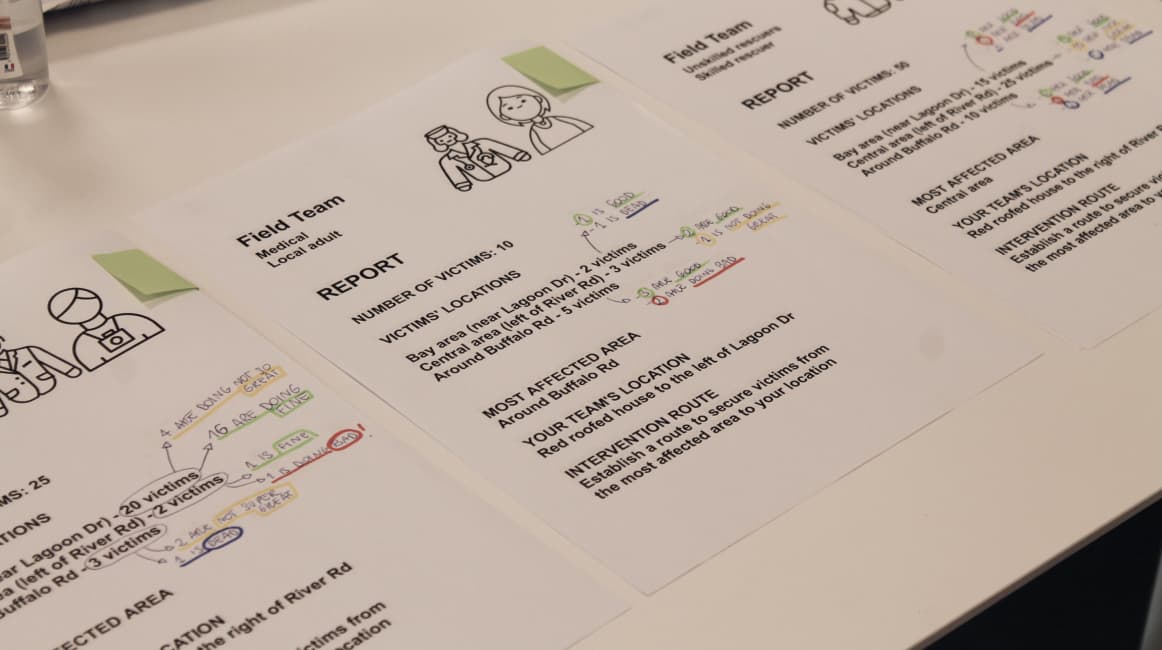
Co-design workshop material
Primary need
Secondary need
Tertiary need
Primary need
Secondary need
Tertiary need
A rescuer app and a civilian app share almost nothing in their actual moment of use.
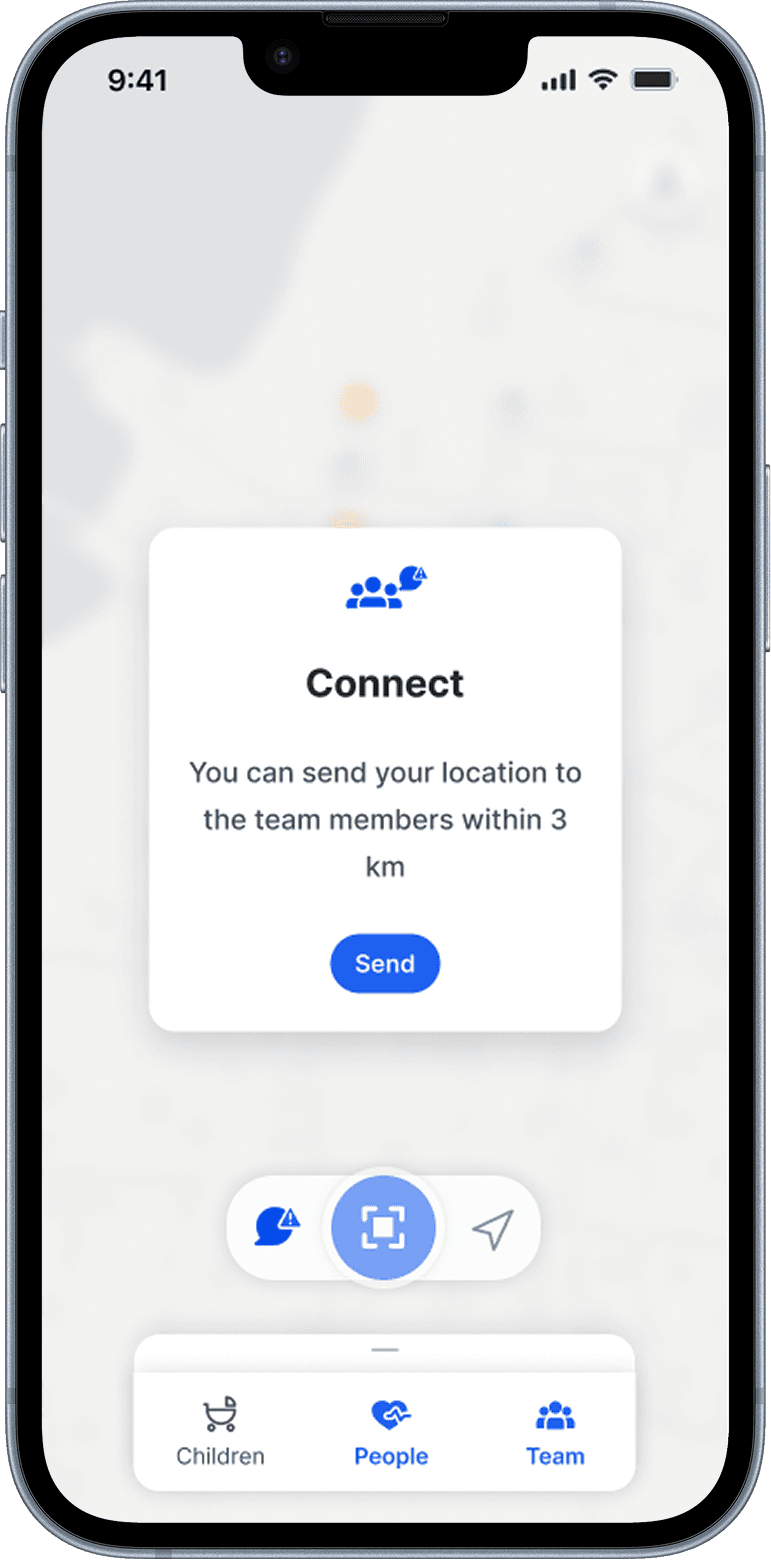
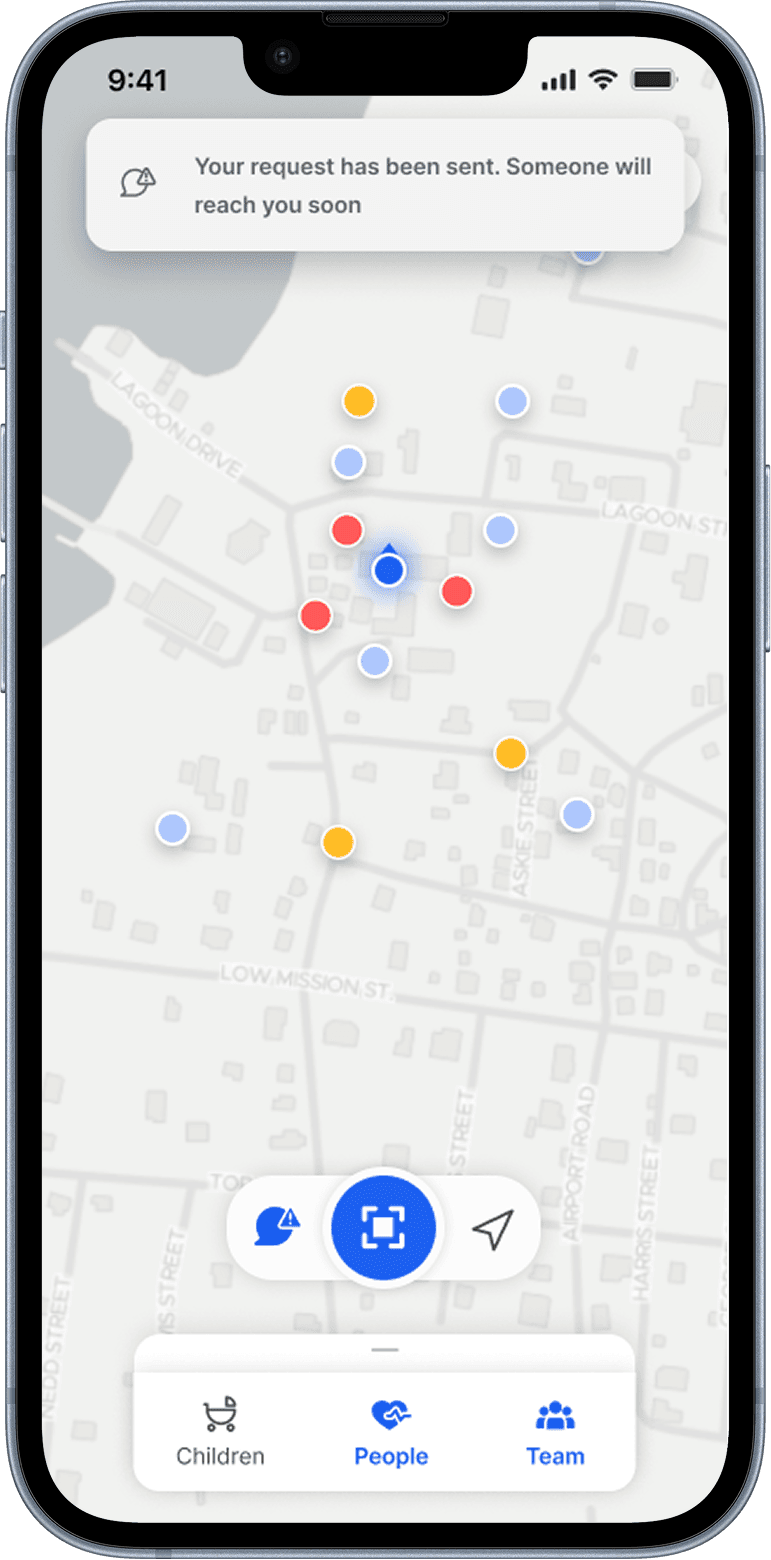
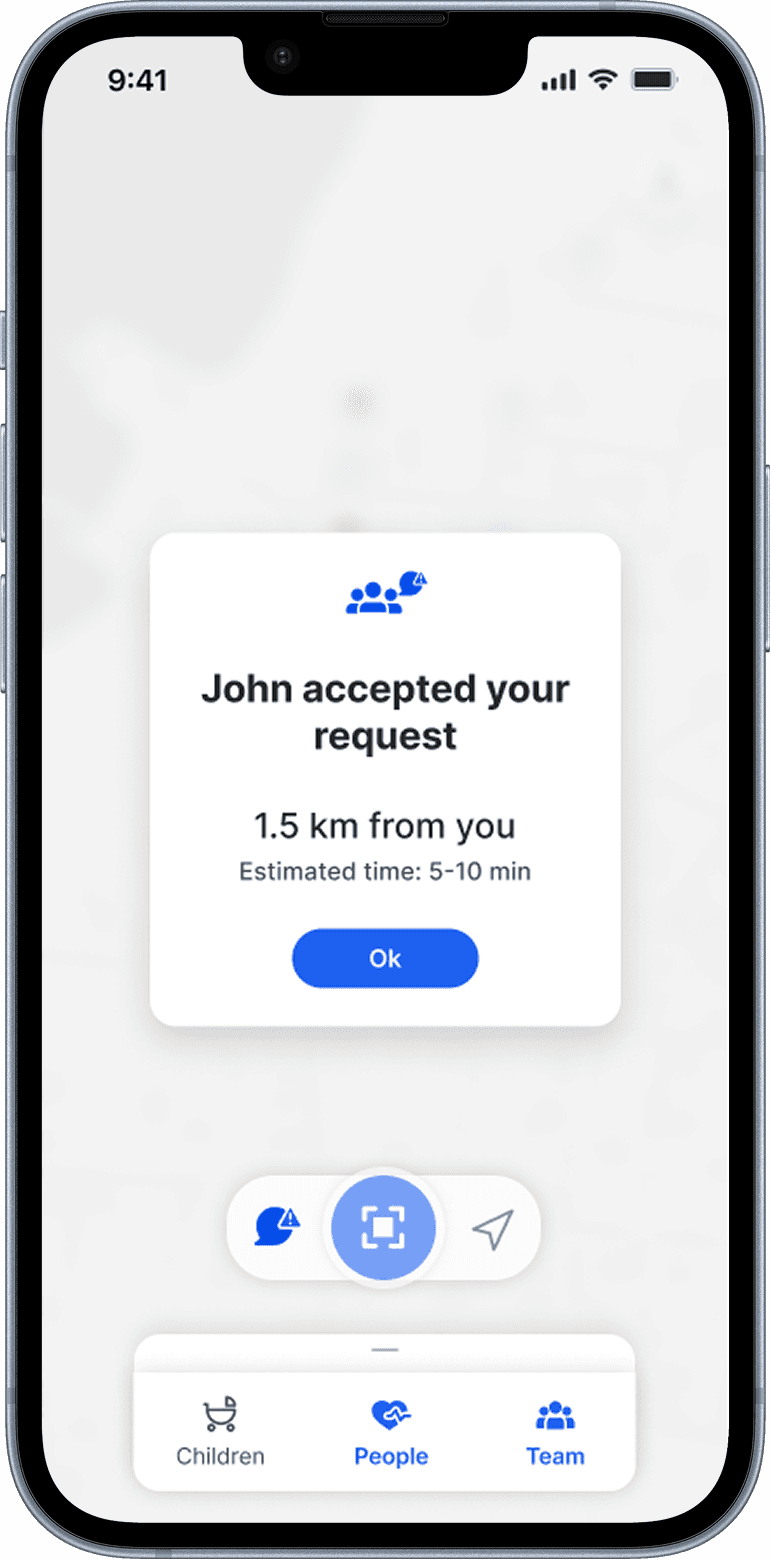
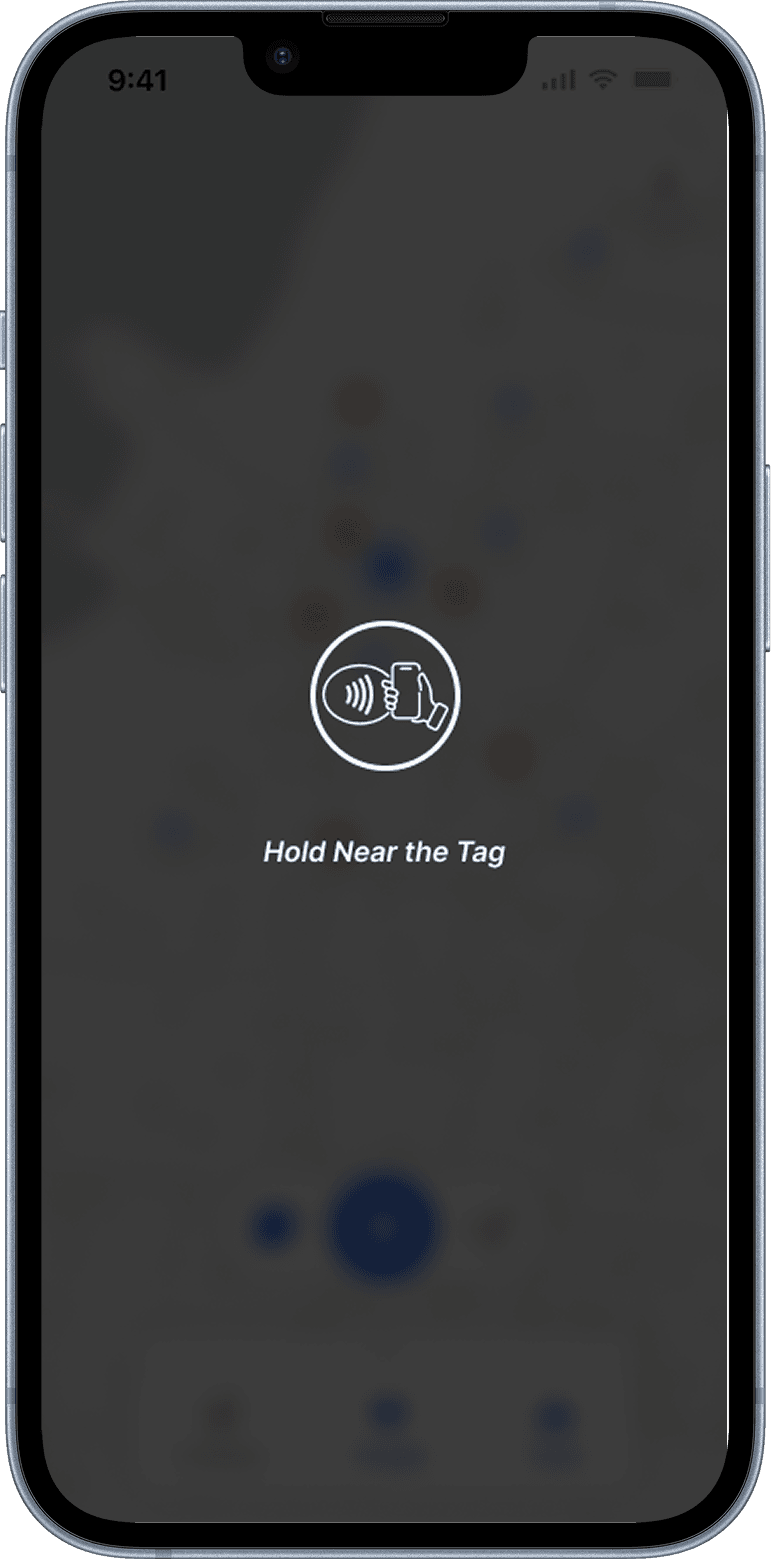
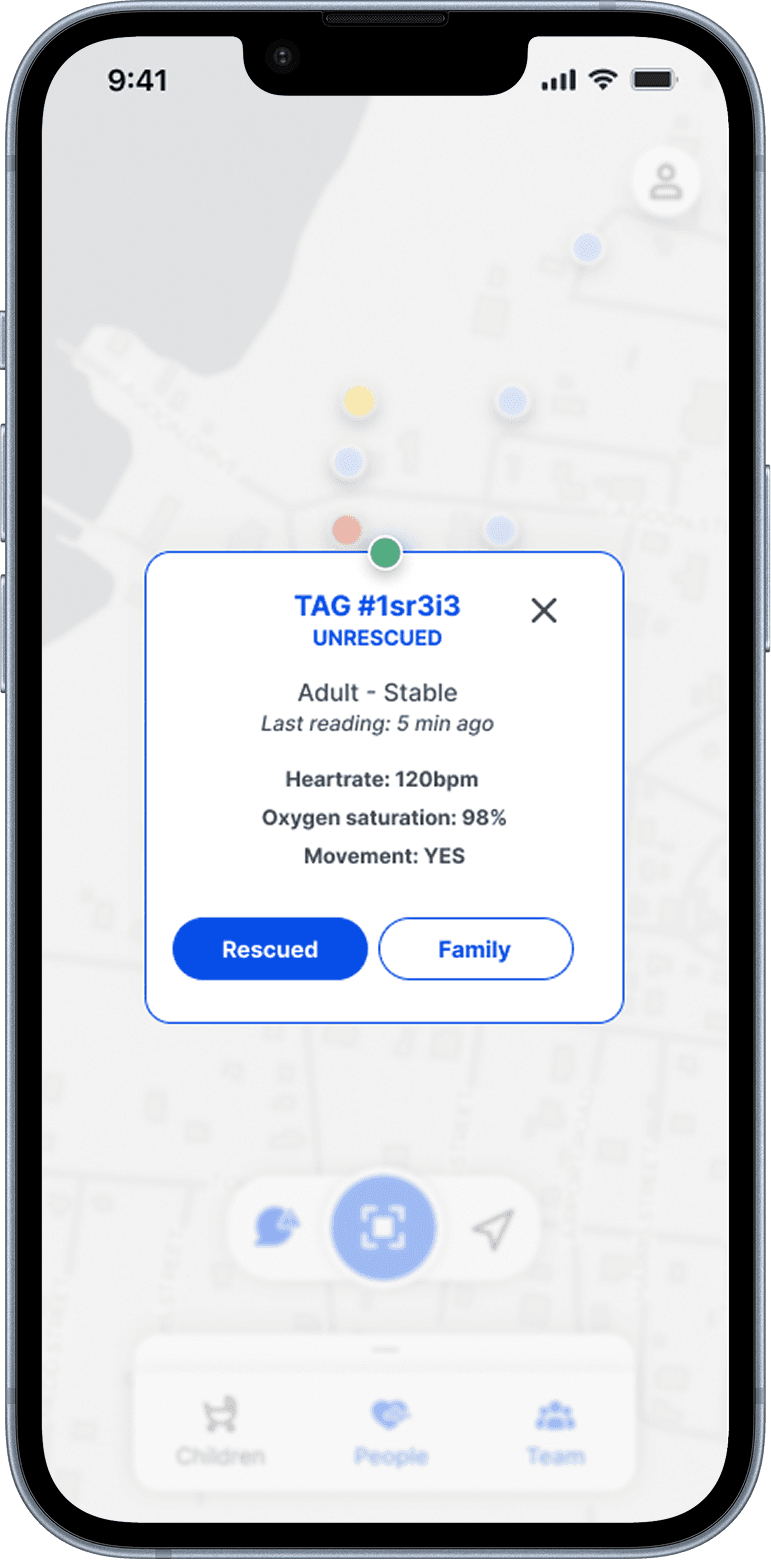
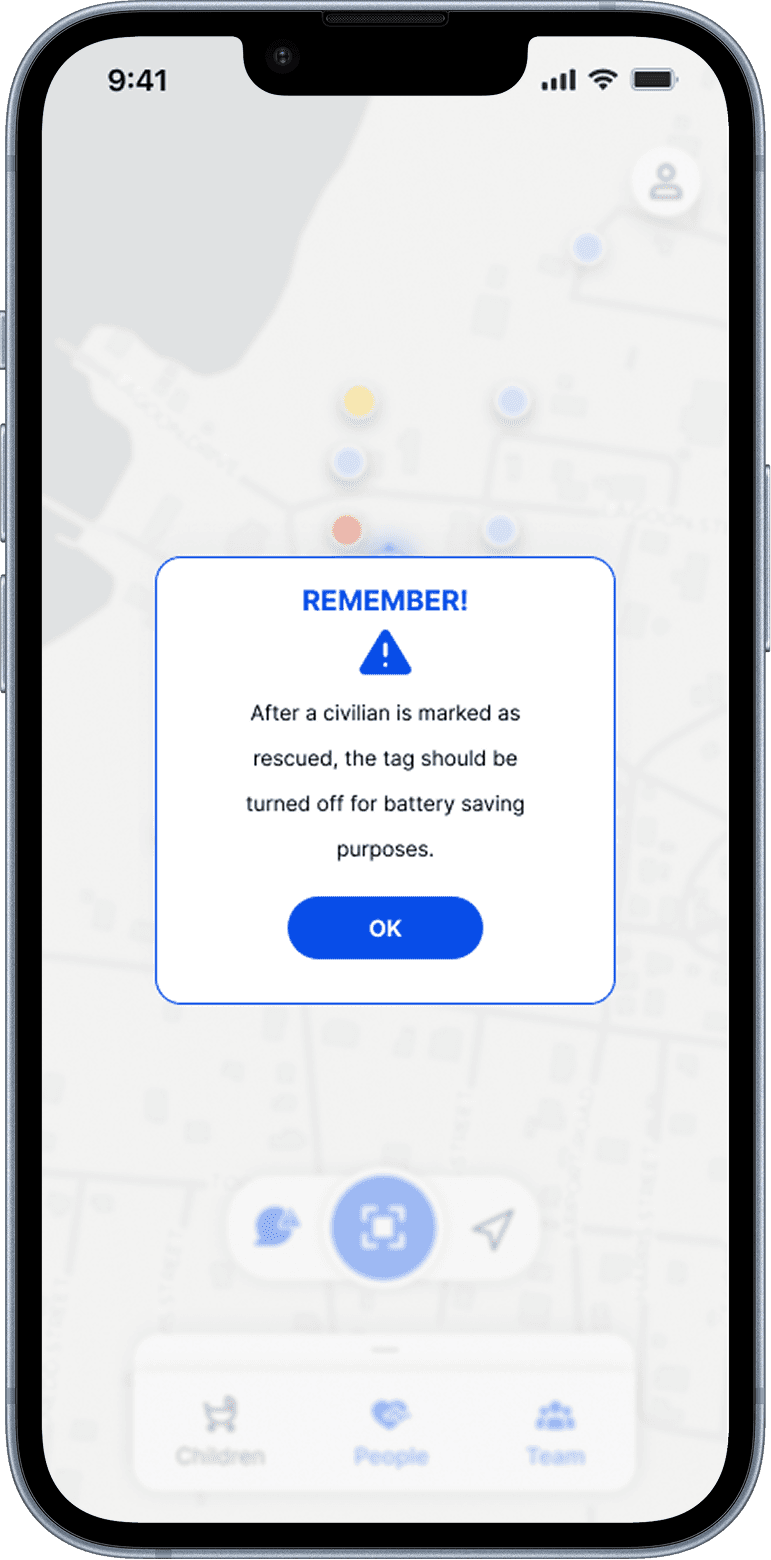
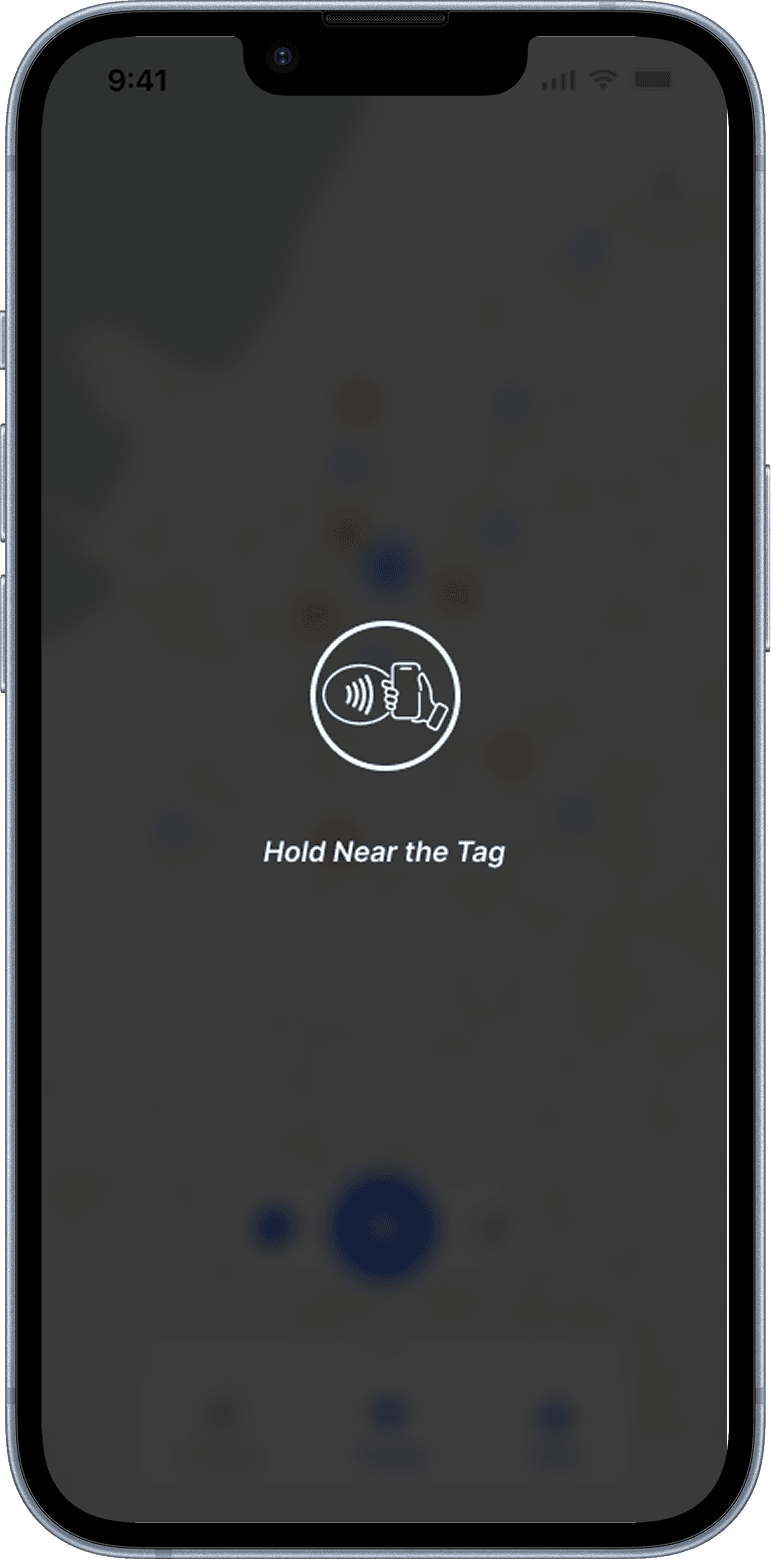
Rescuers operate in field conditions: degraded networks, time pressure, high stress, group coordination, and a need for triage information that a civilian would never want to see about themselves.
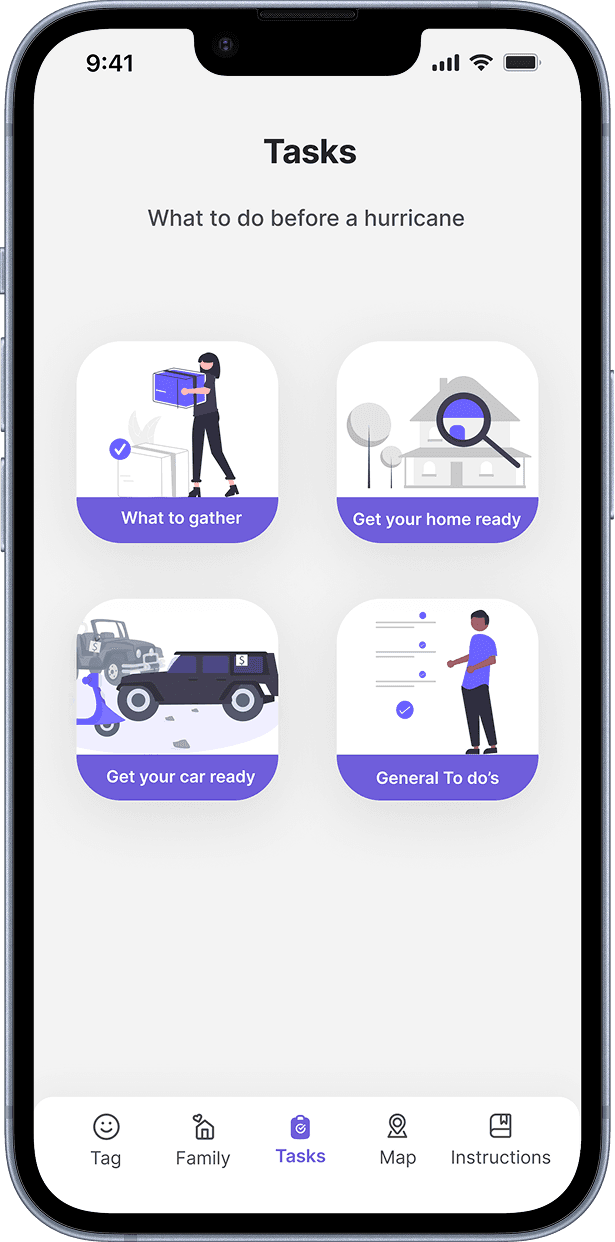
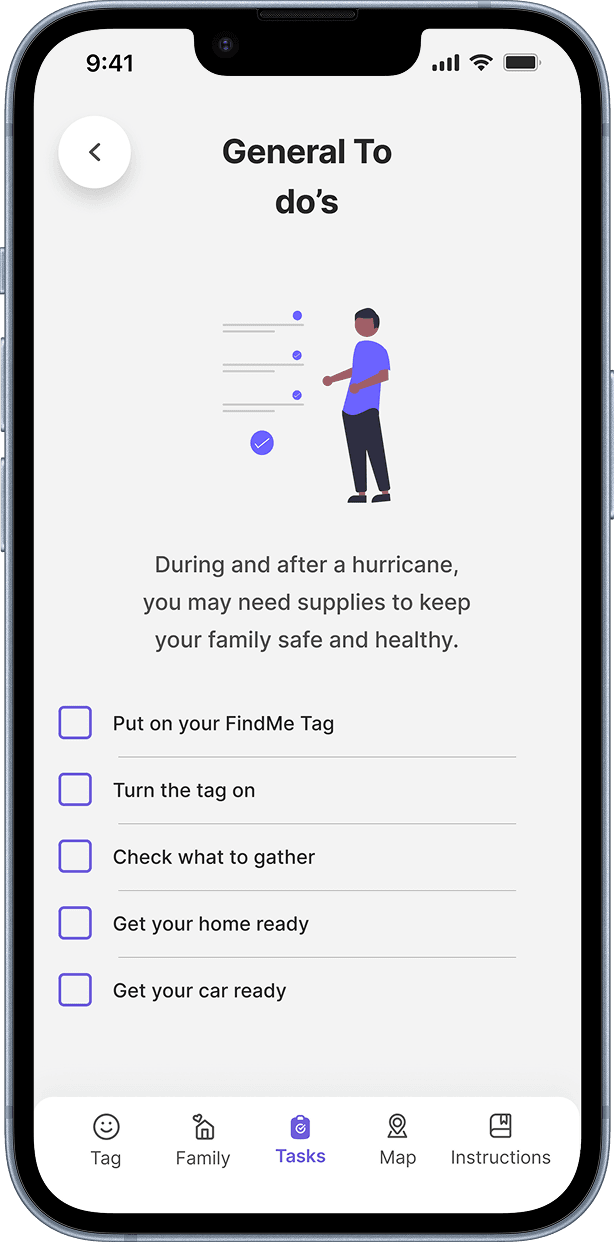
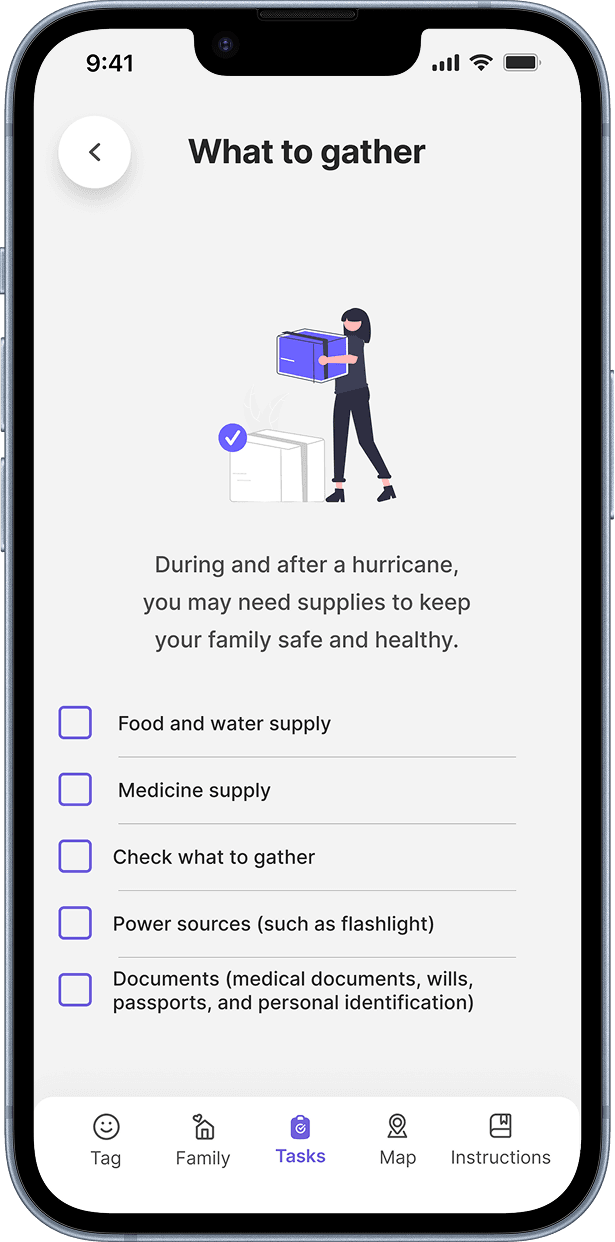
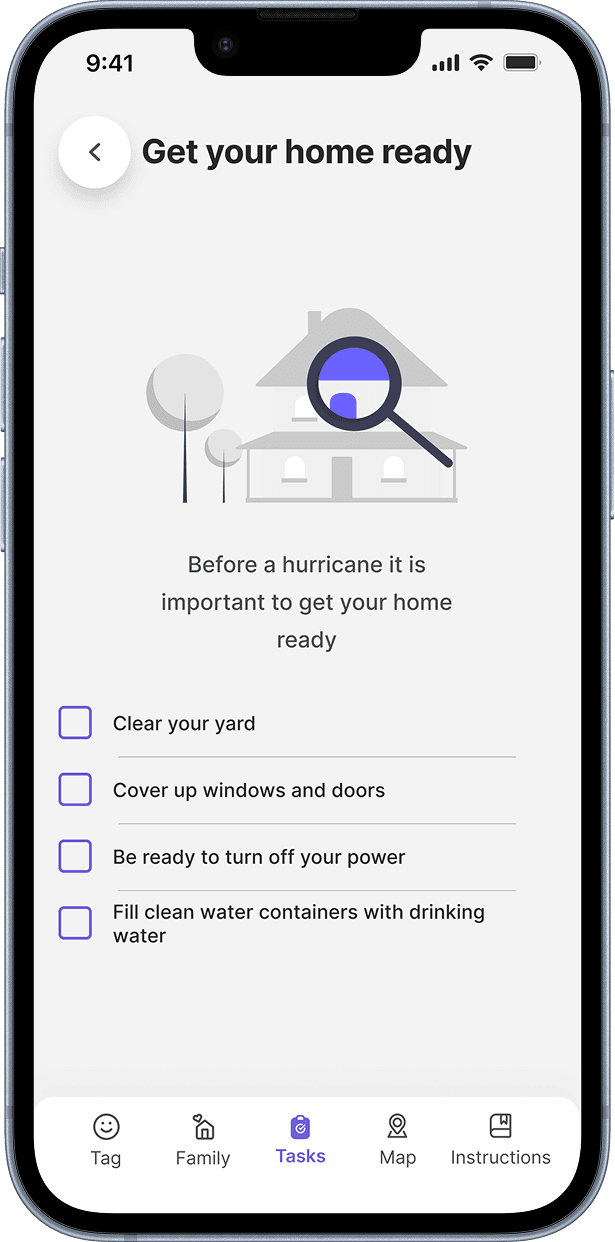
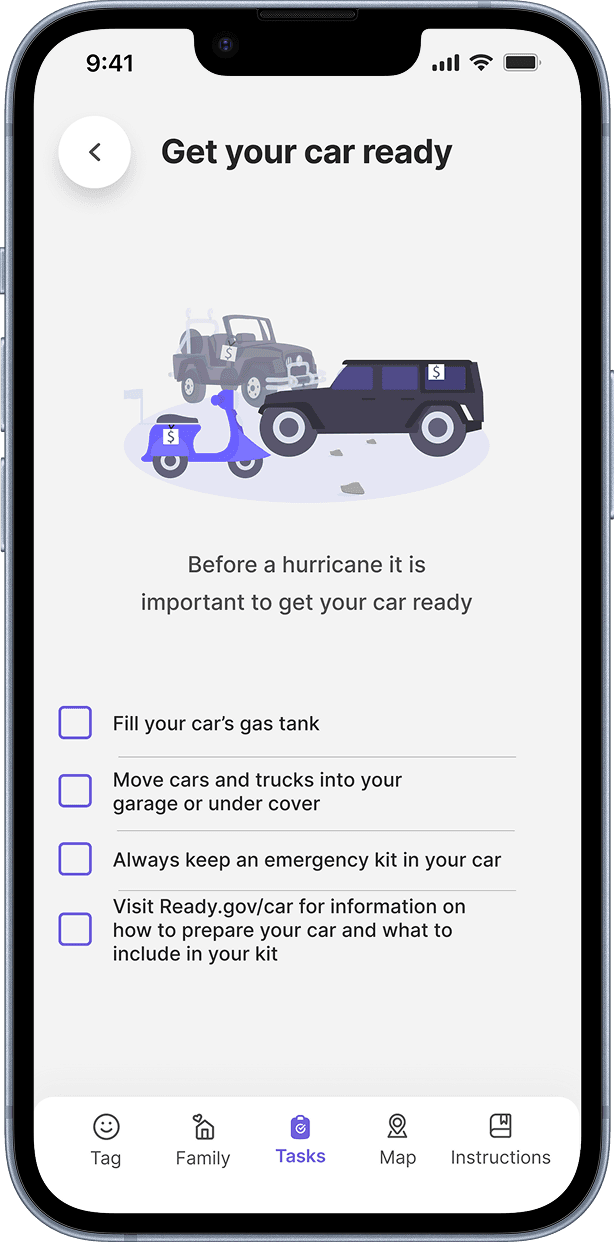
Civilians operate in advance, preparing for something that may or may not happen, choosing to wear a device because they trust it, opening an app for reassurance and education.
One context is reactive and operational. The other is anticipatory and personal. Sharing an interface meant compromising both. We designed two products with shared logic underneath: the wearable device feeding into a rescuer app built for the field, and a civilian app built around trust and preparation. Two interfaces, one system.
That decision came from the research, not a design assumption. The user journey across the disaster timeline made the divergence visible before any wireframe did.
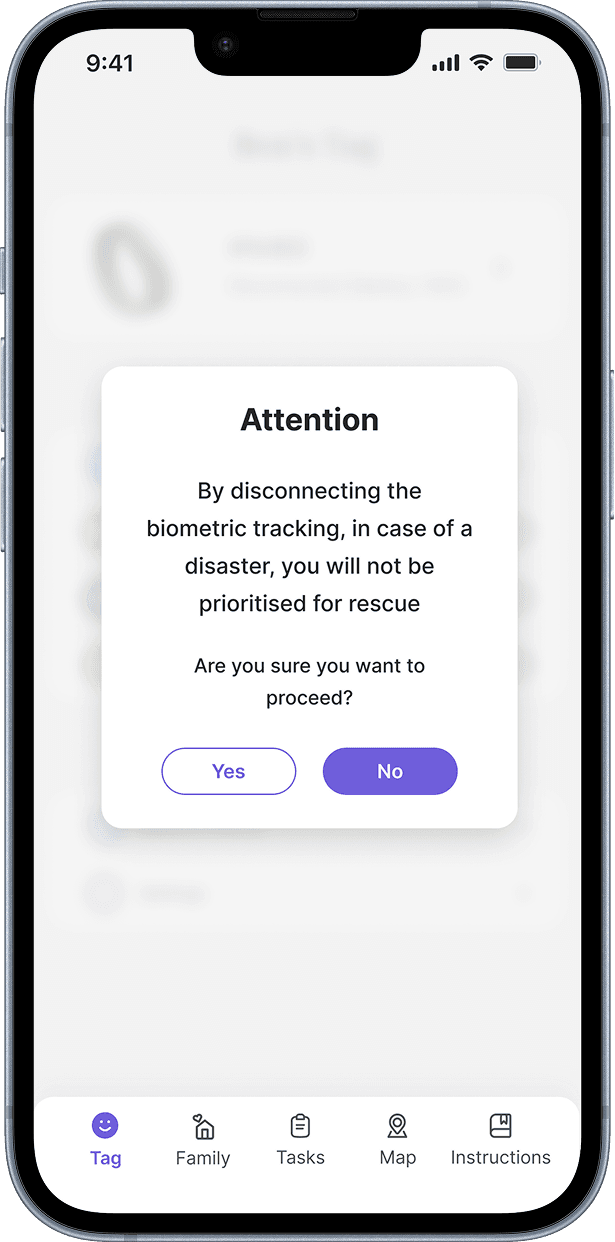
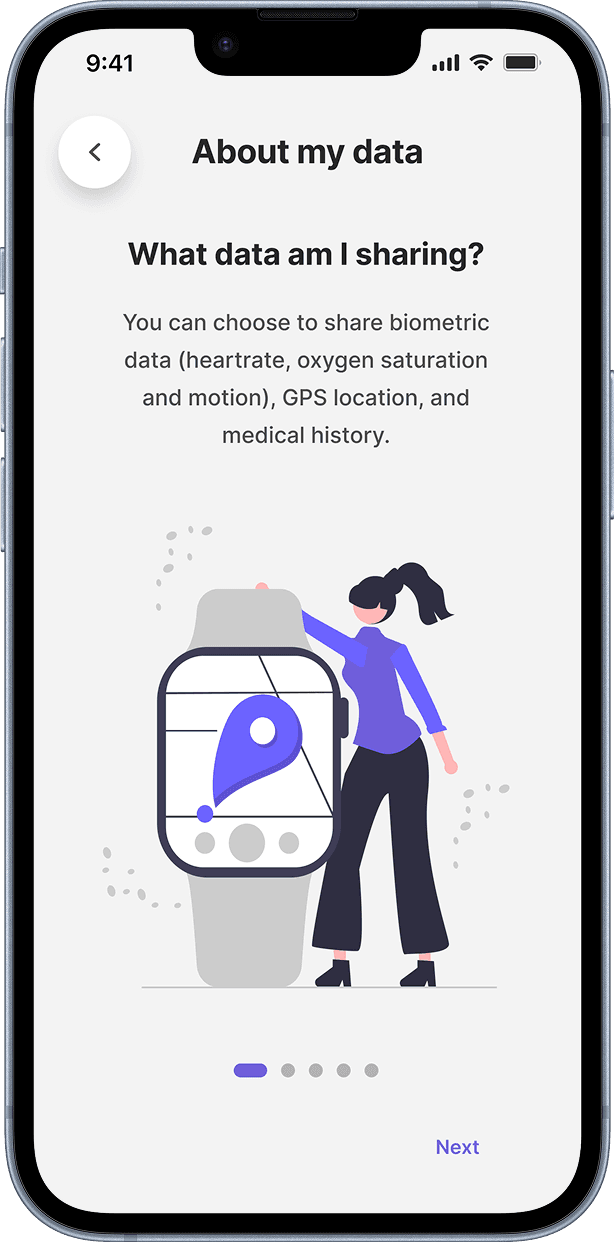
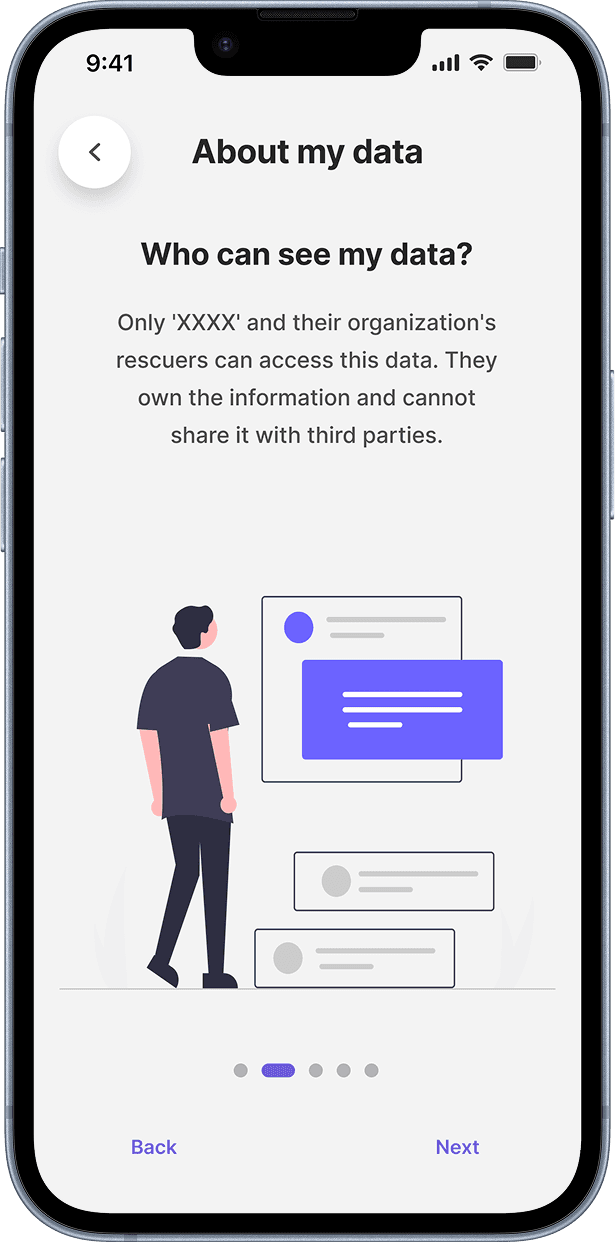
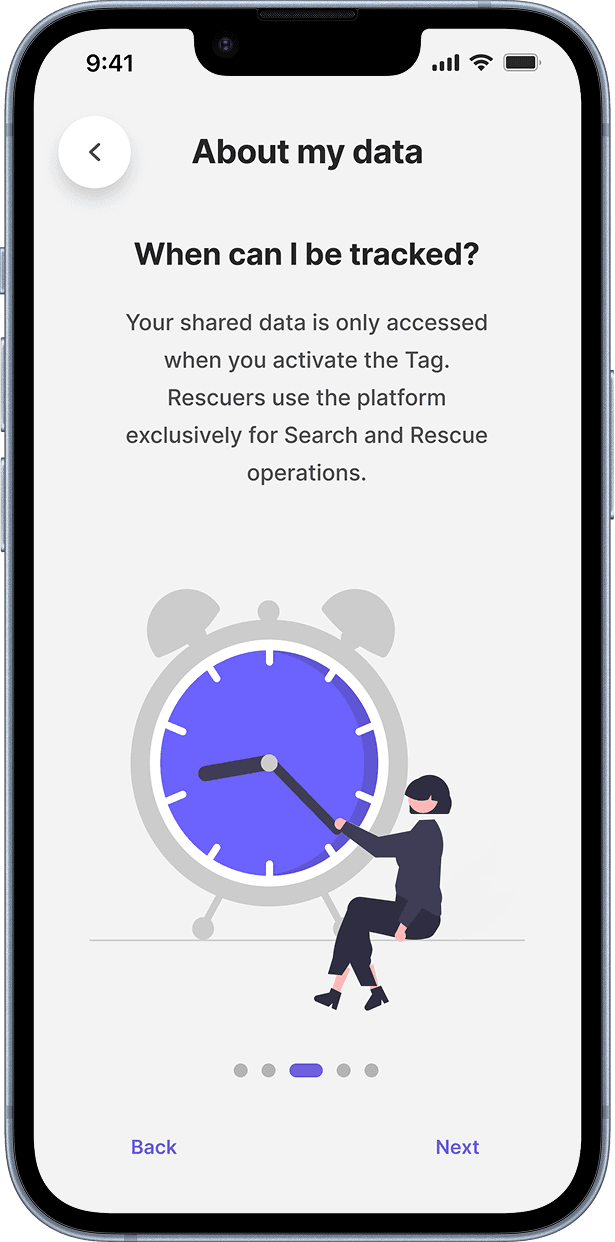
Research interviews kept surfacing the same anxiety: people wanted to know who owned their data and how it was being used.
For a product people would need to wear before a disaster, in advance and by choice, trust was the adoption problem. If civilians didn't trust the system, the system didn't work.
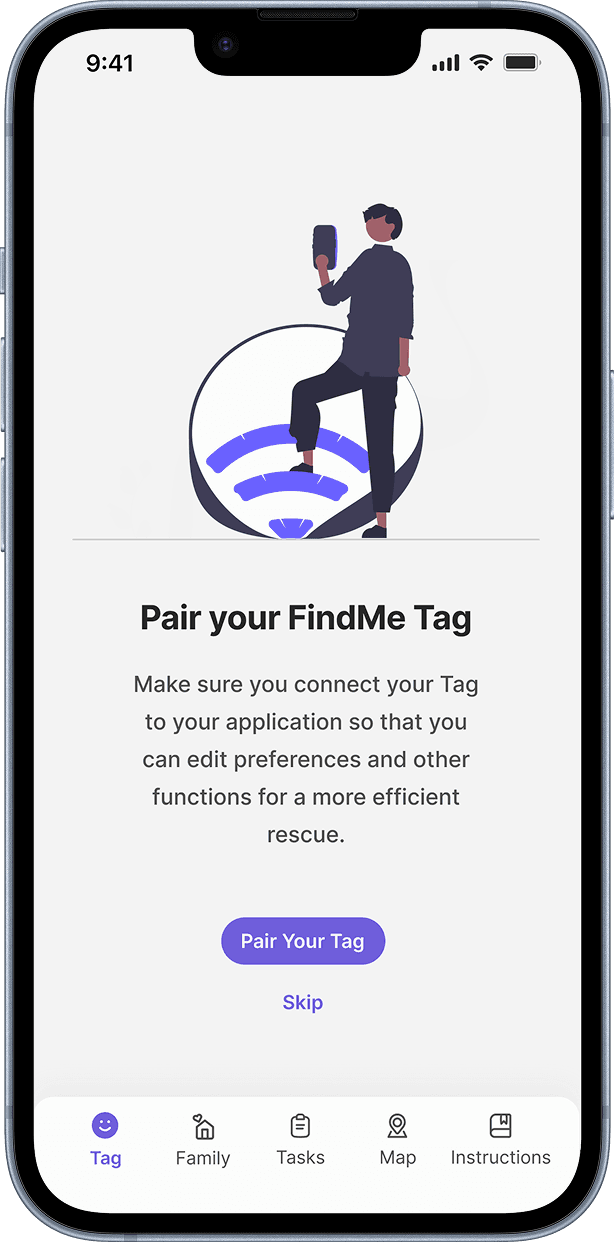
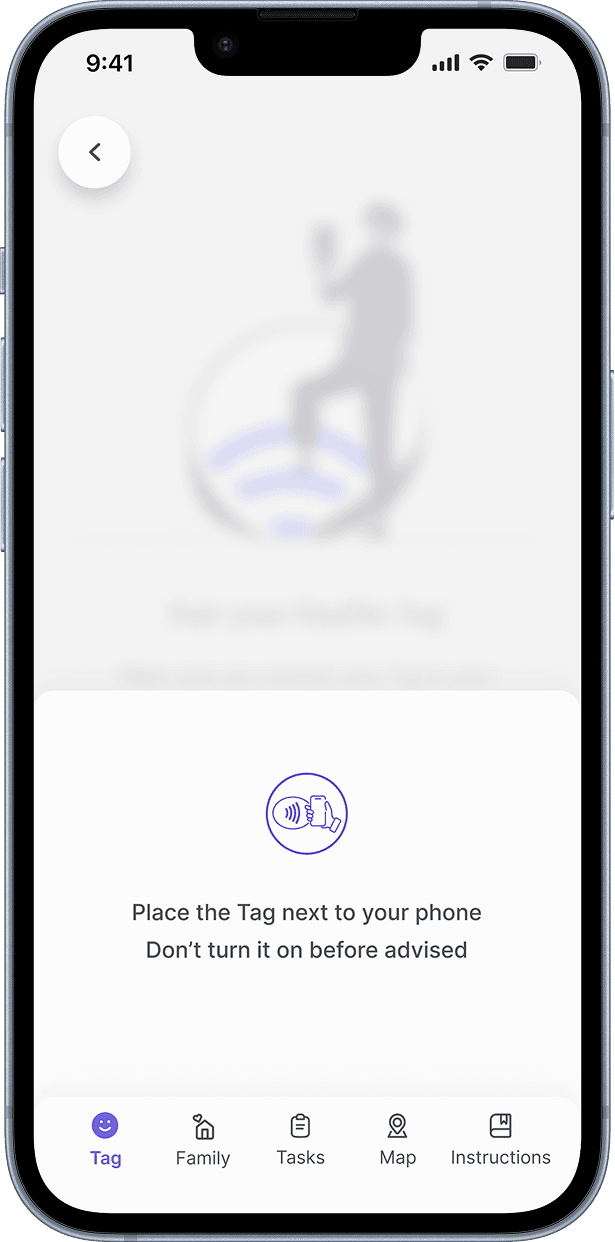
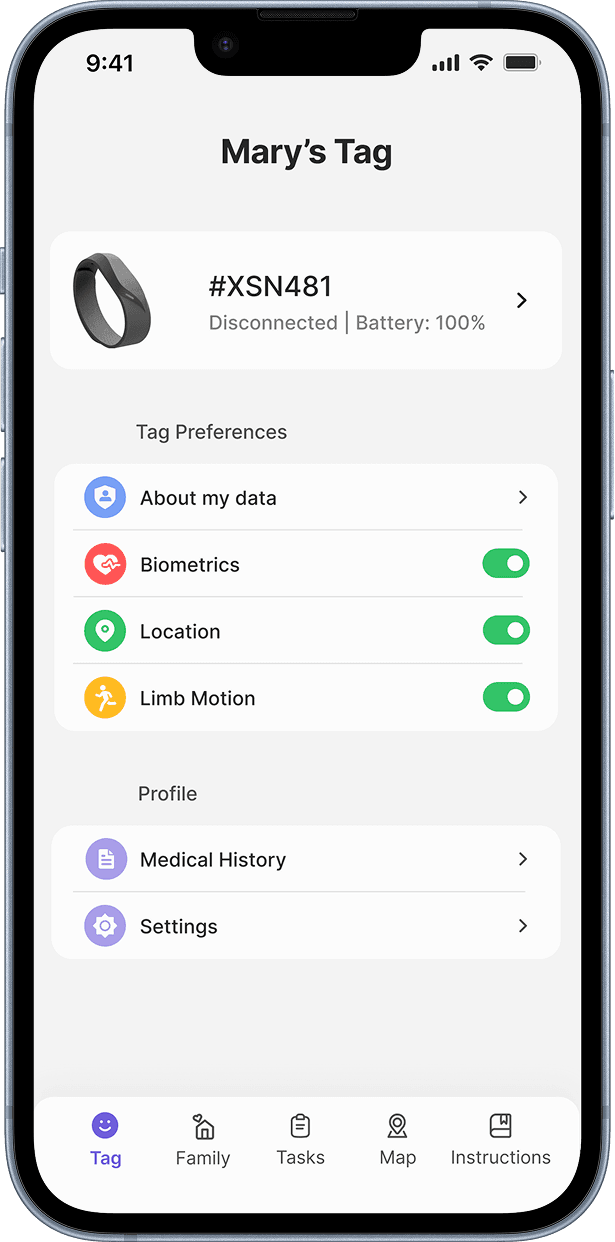
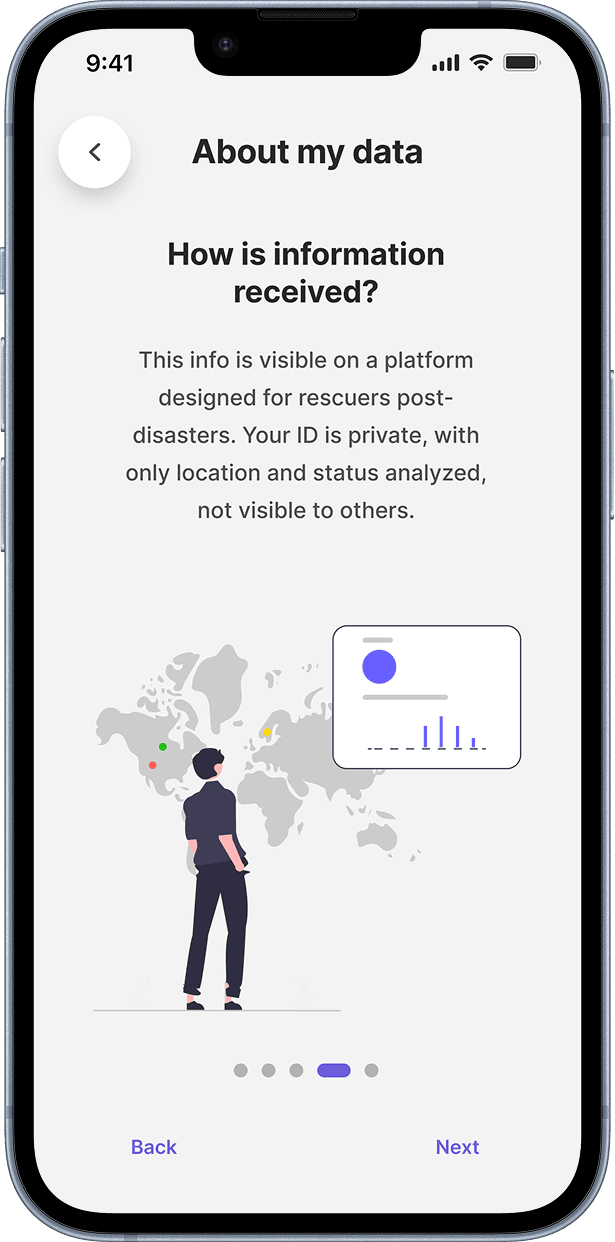
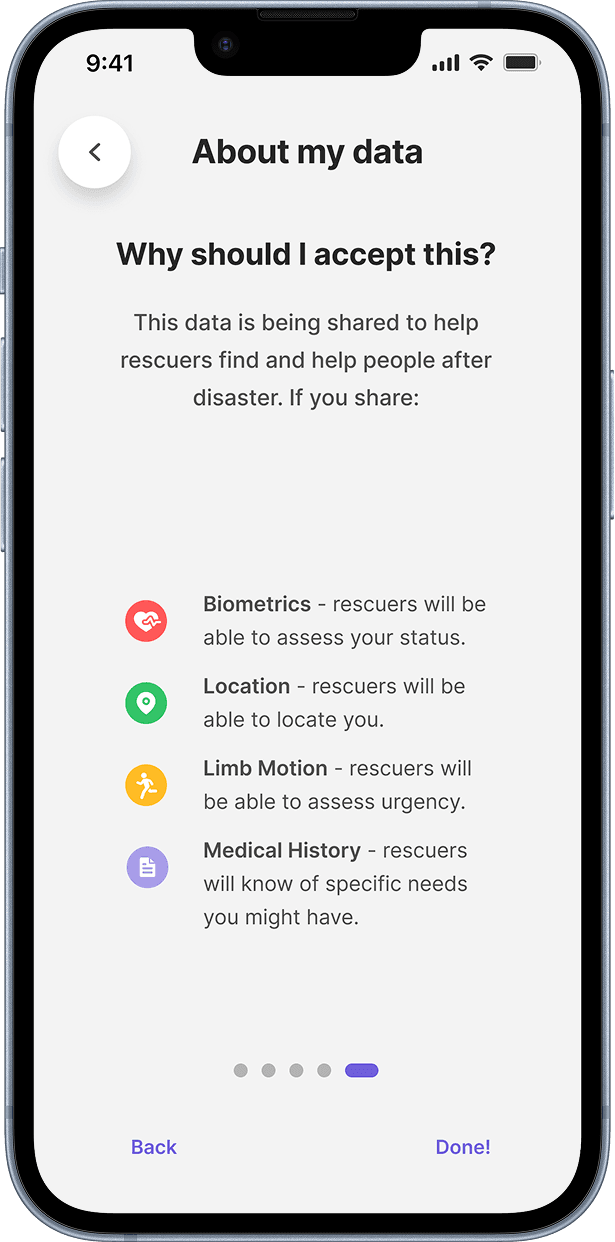
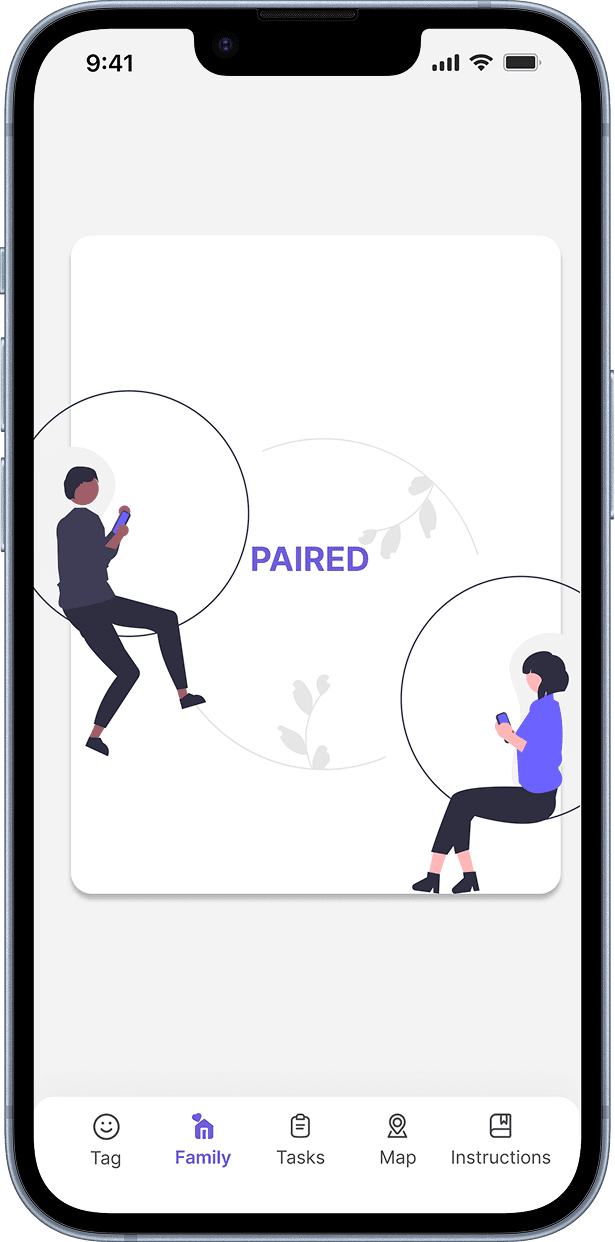
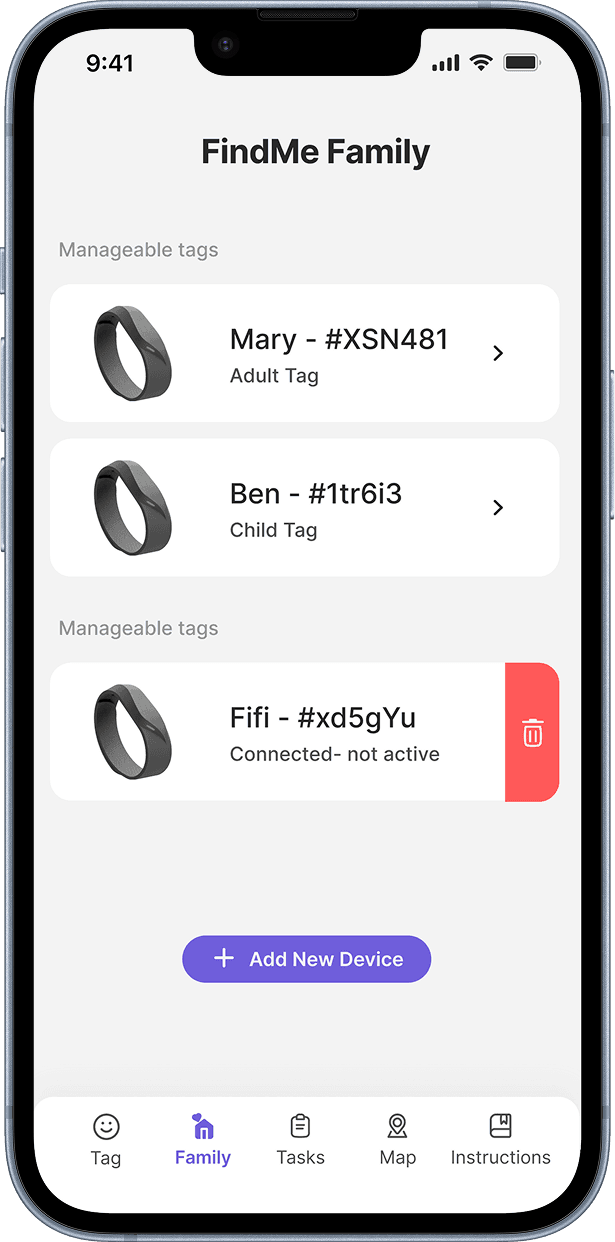
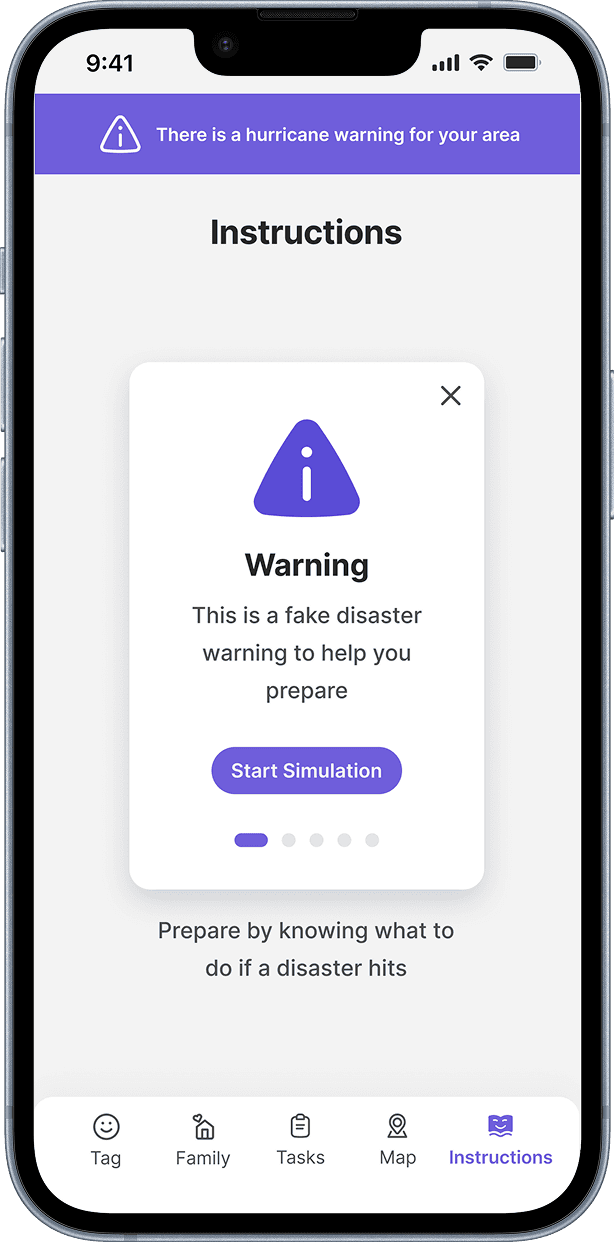
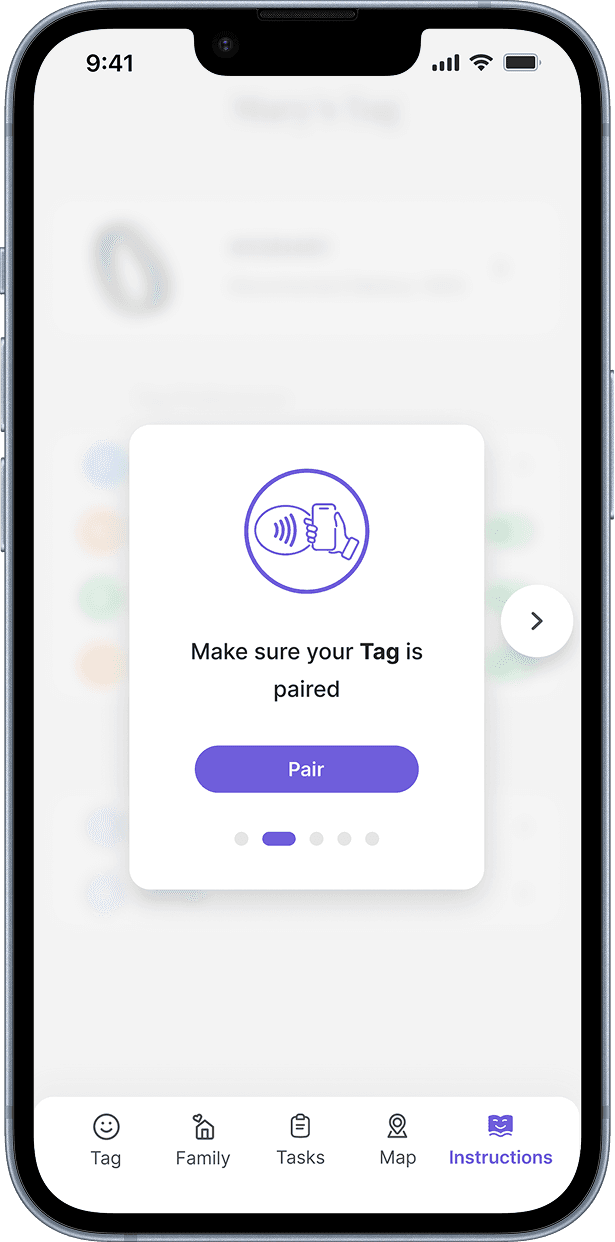
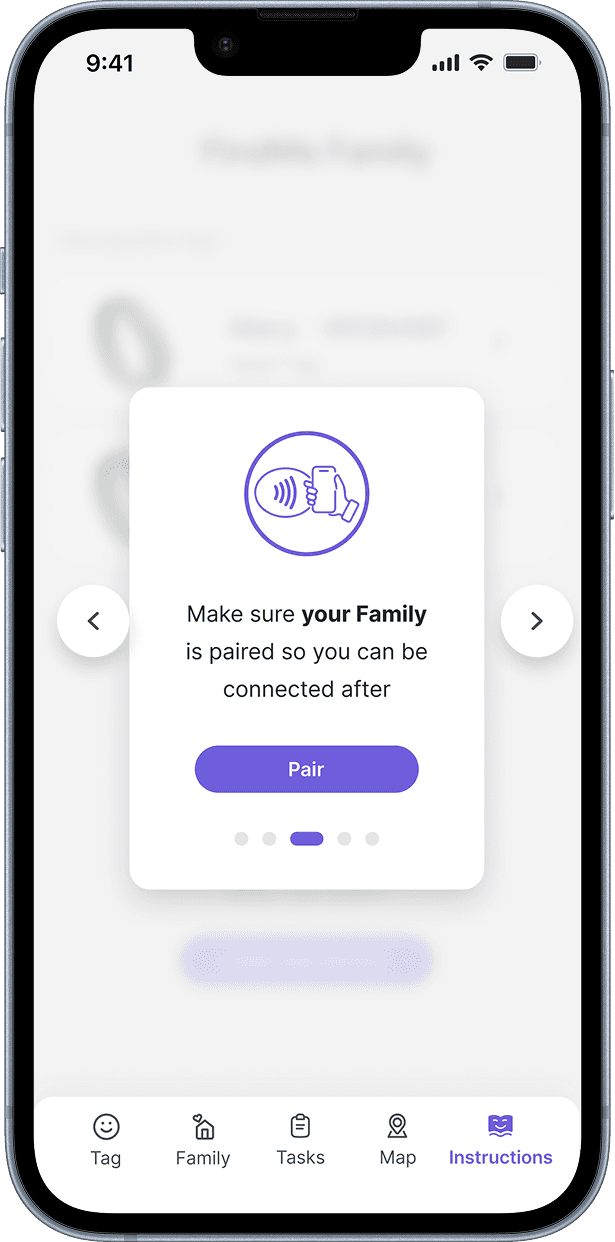
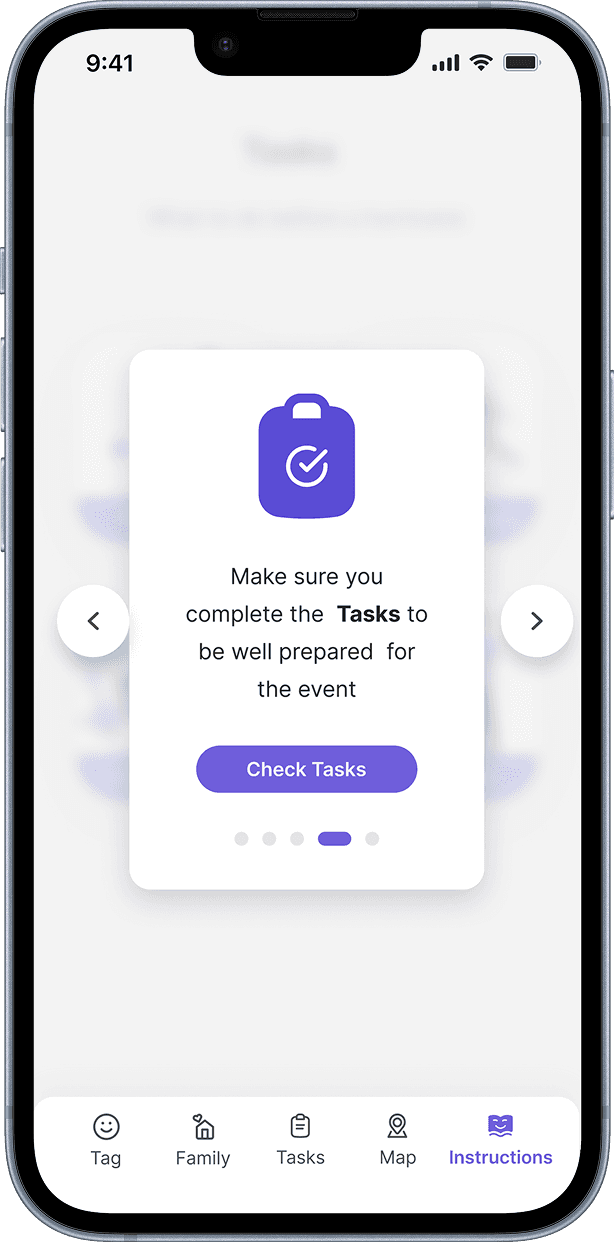
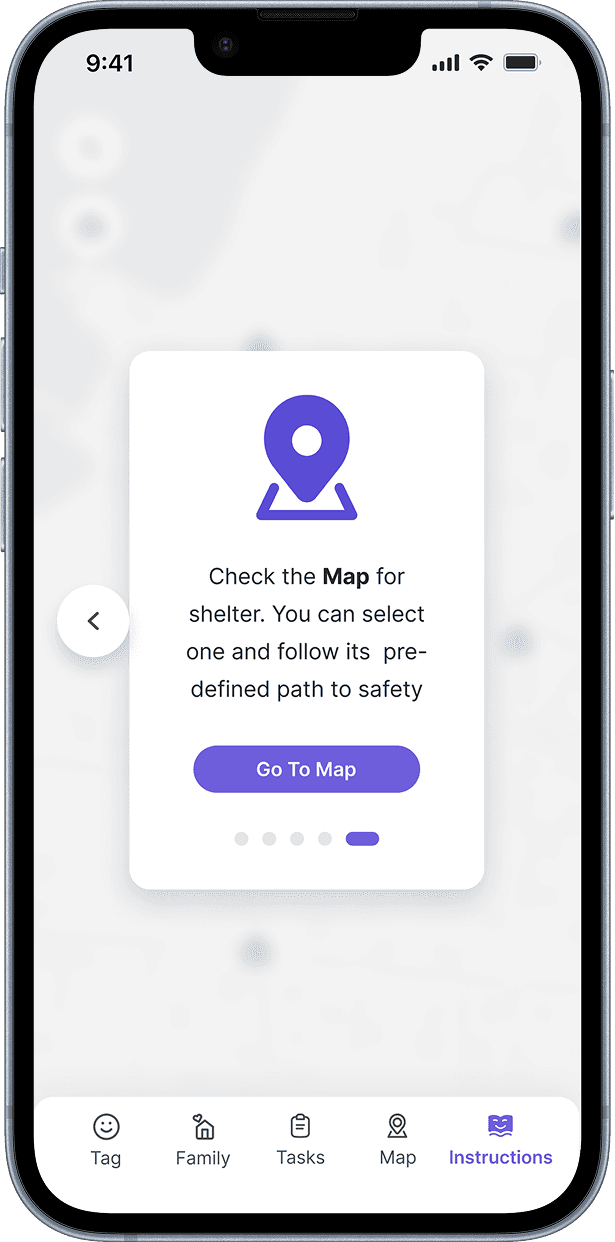
The civilian app was built with explicit data transparency at its core: clear explanations of what the device collects, granular preferences for data sharing, and an education layer so people understood how the system worked before they ever needed it. Trust wasn't a screen, it was a structural commitment that ran through the whole interface.
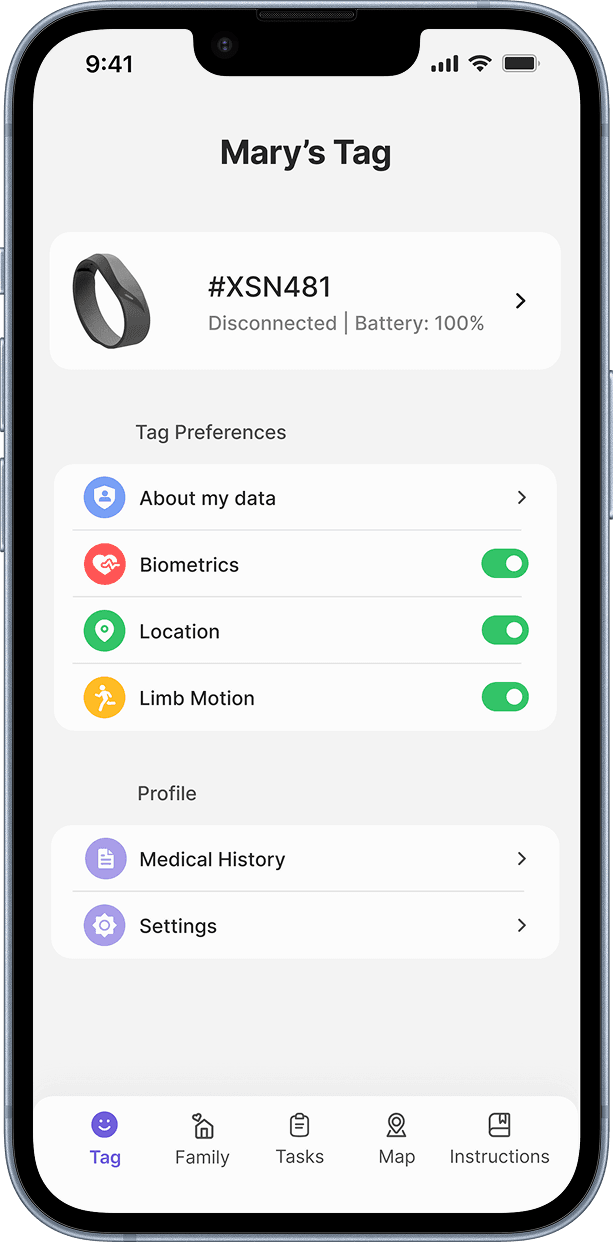
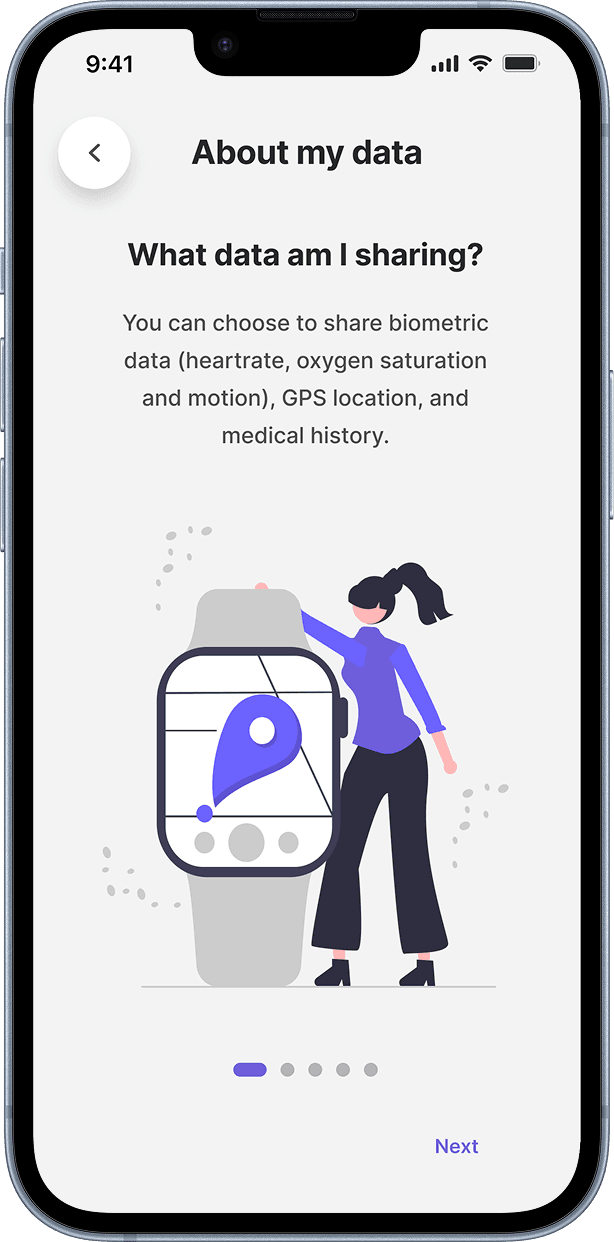
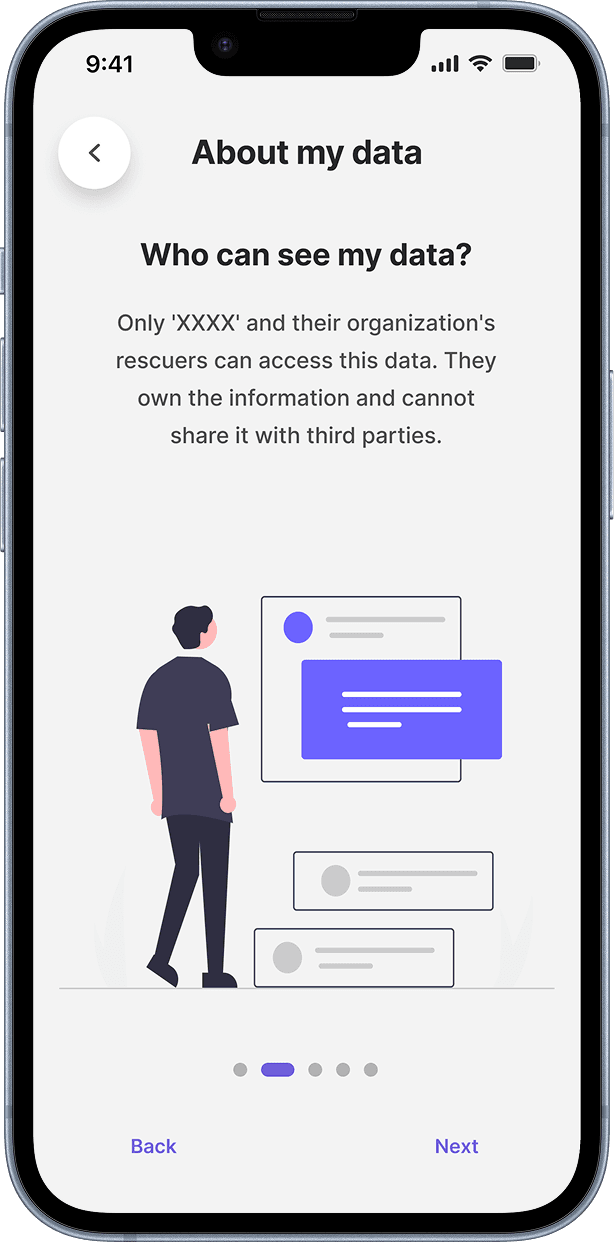
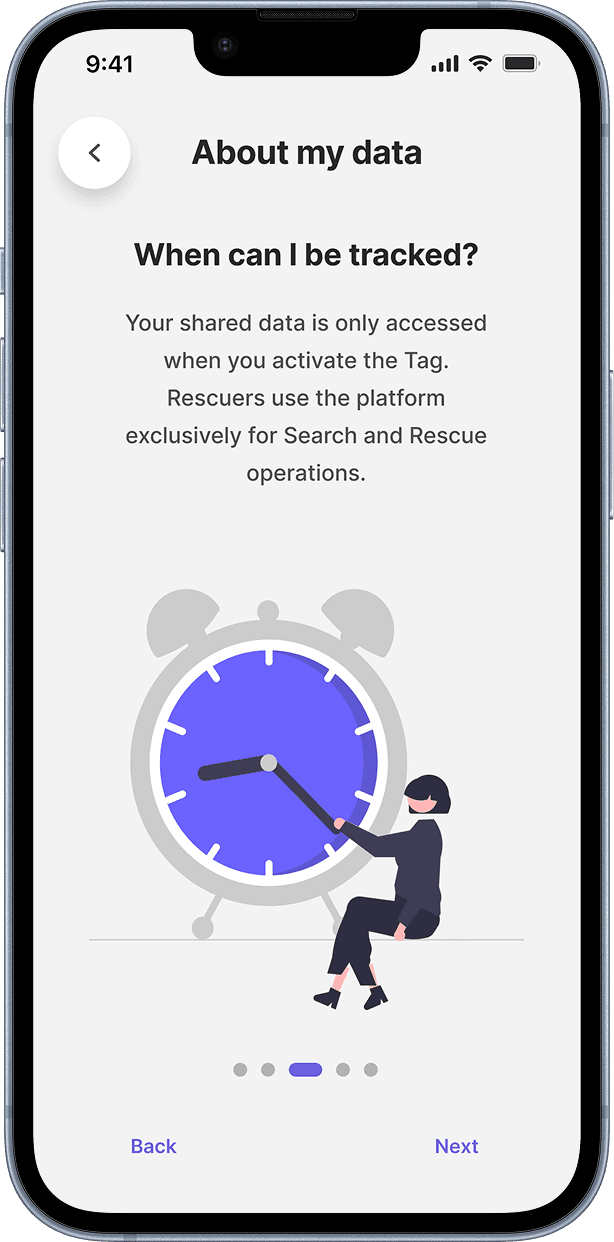
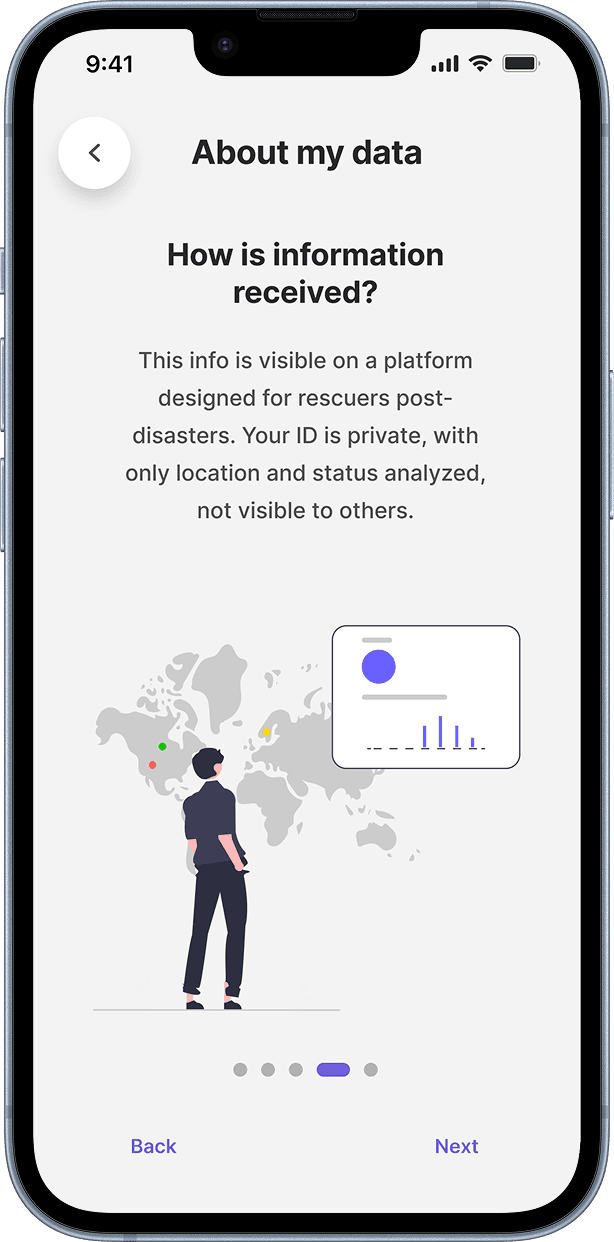
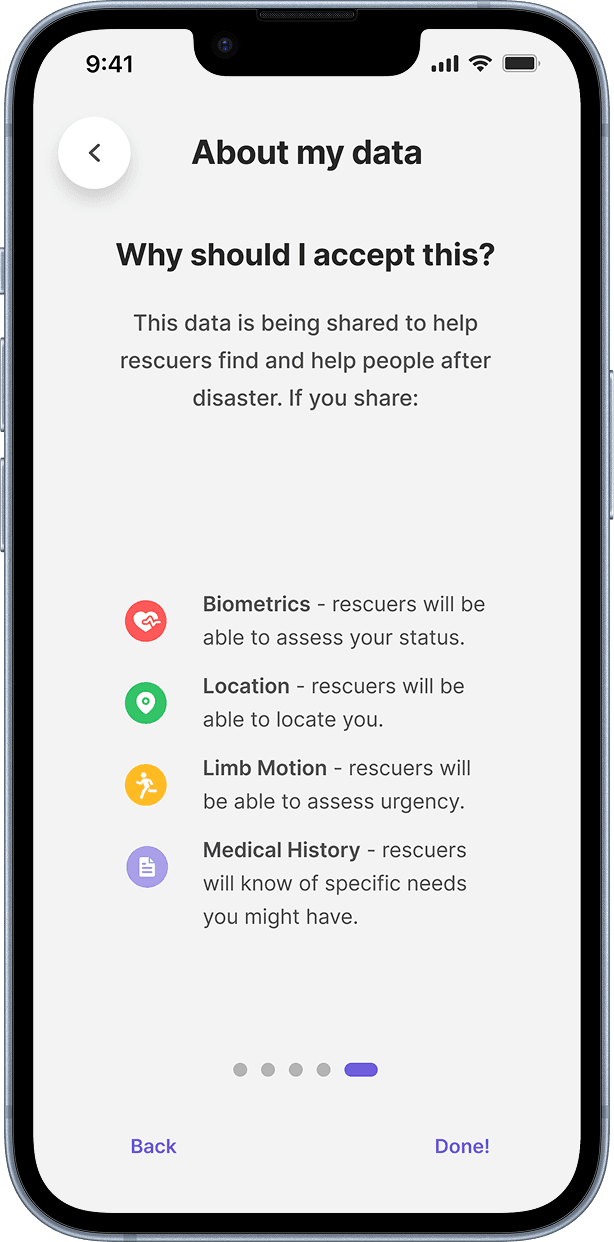
“I would like to know who owns my data and how it's being used.”
— Civilian interview
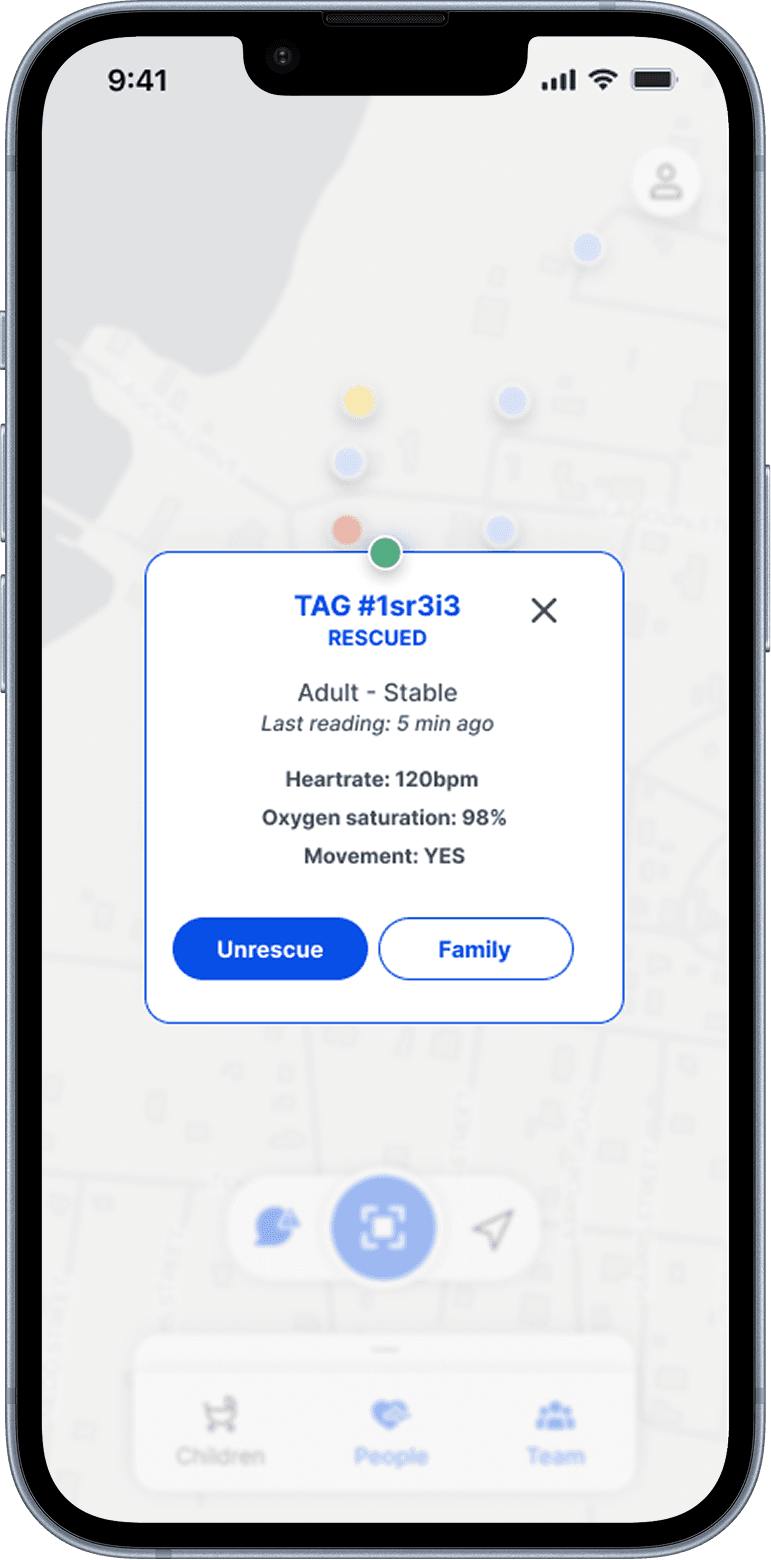
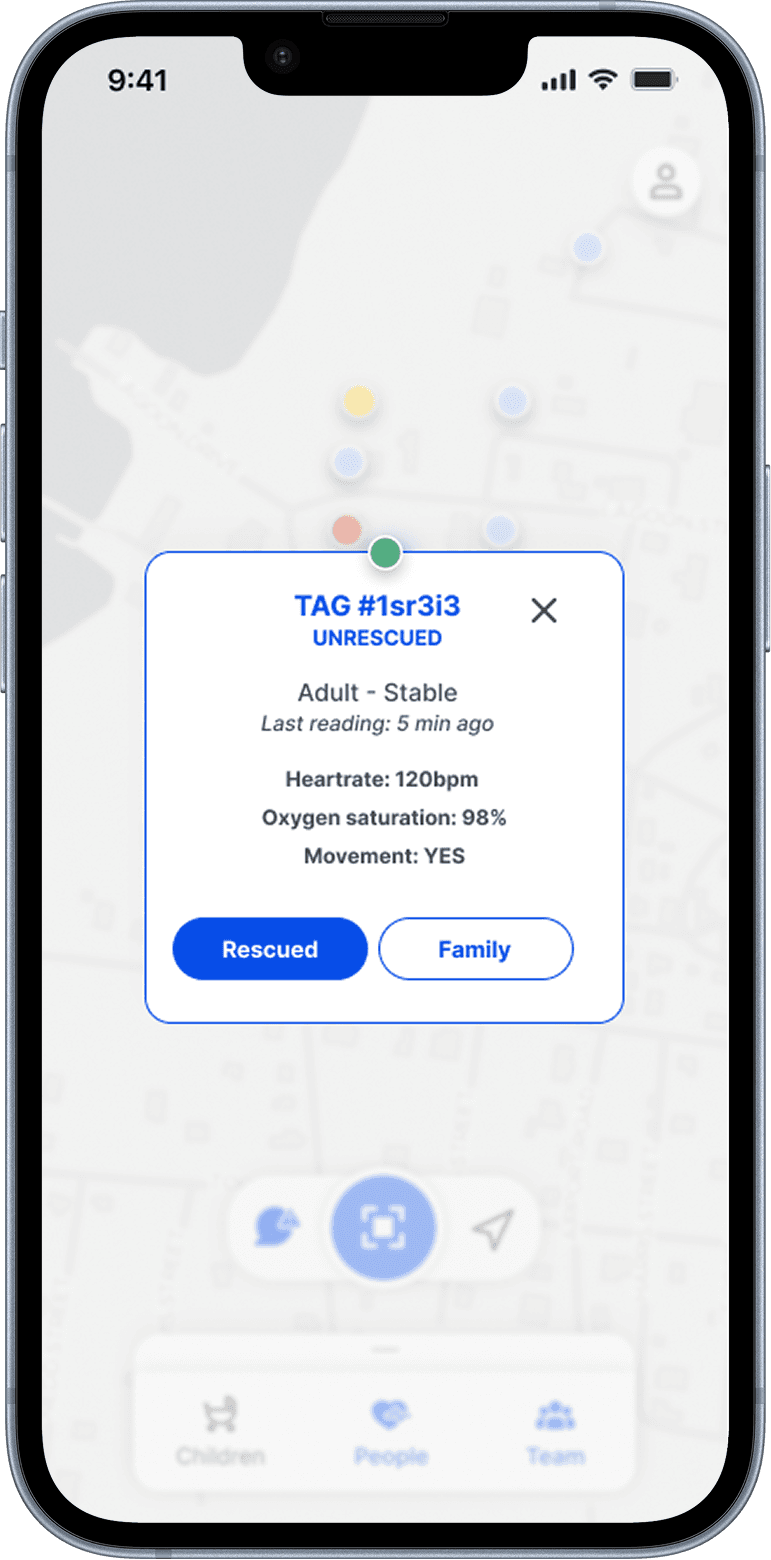
The rescuer app required a different kind of trust: data legibility under stress. Health status, location, and triage priority readable at a glance, in field conditions, without time for second-guessing.
Two trust problems, two design responses.
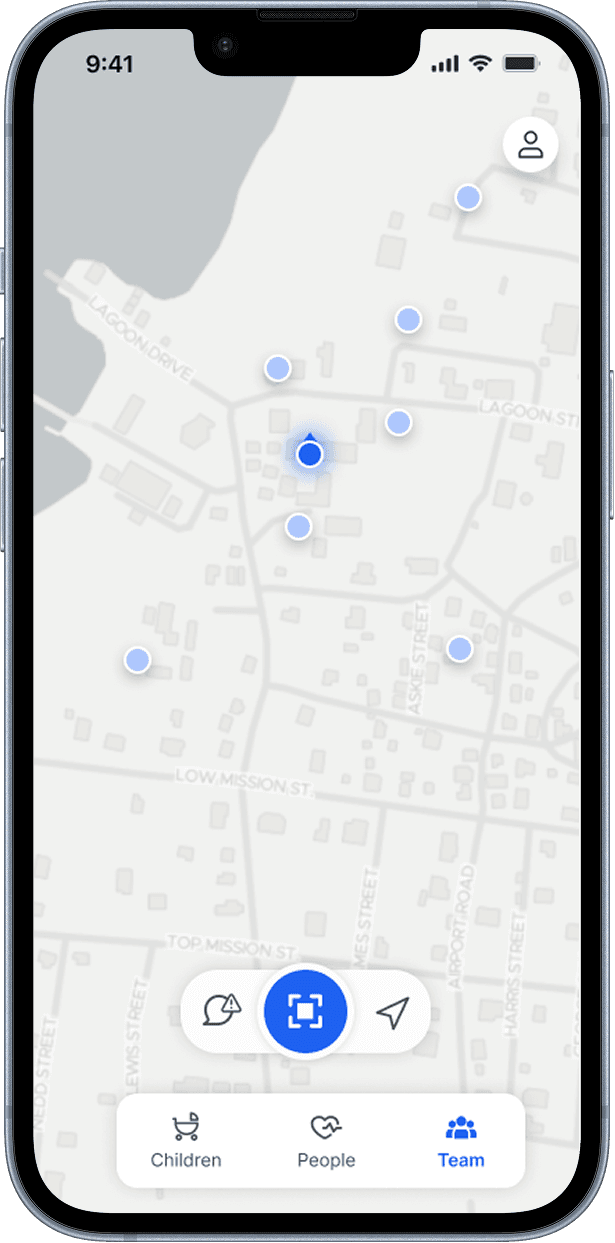
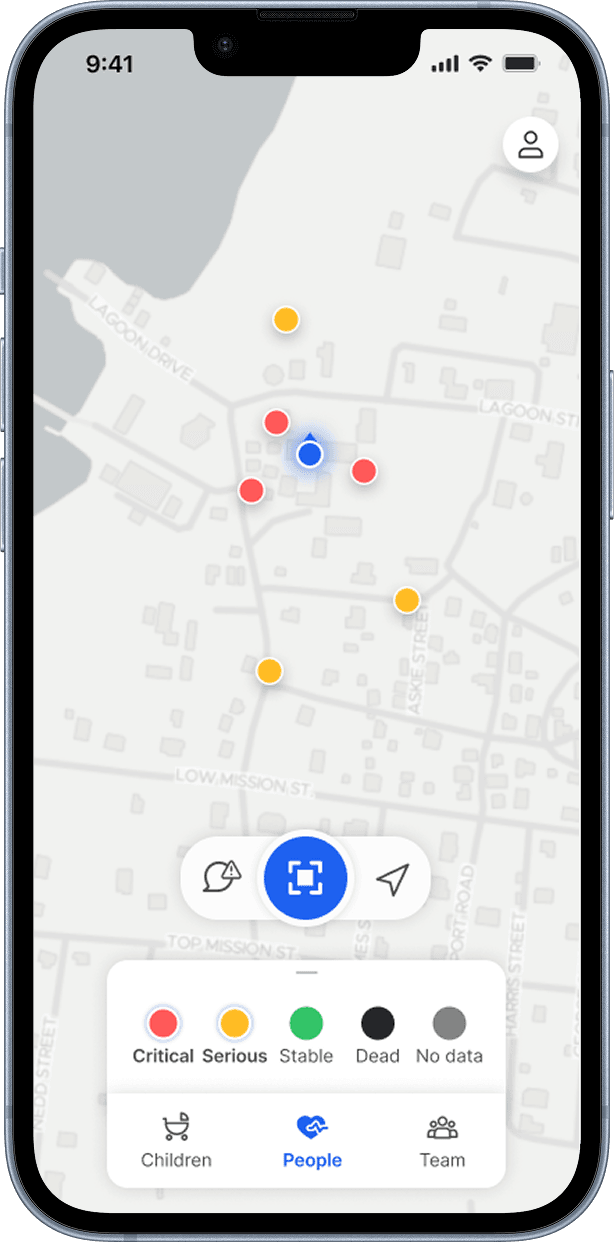
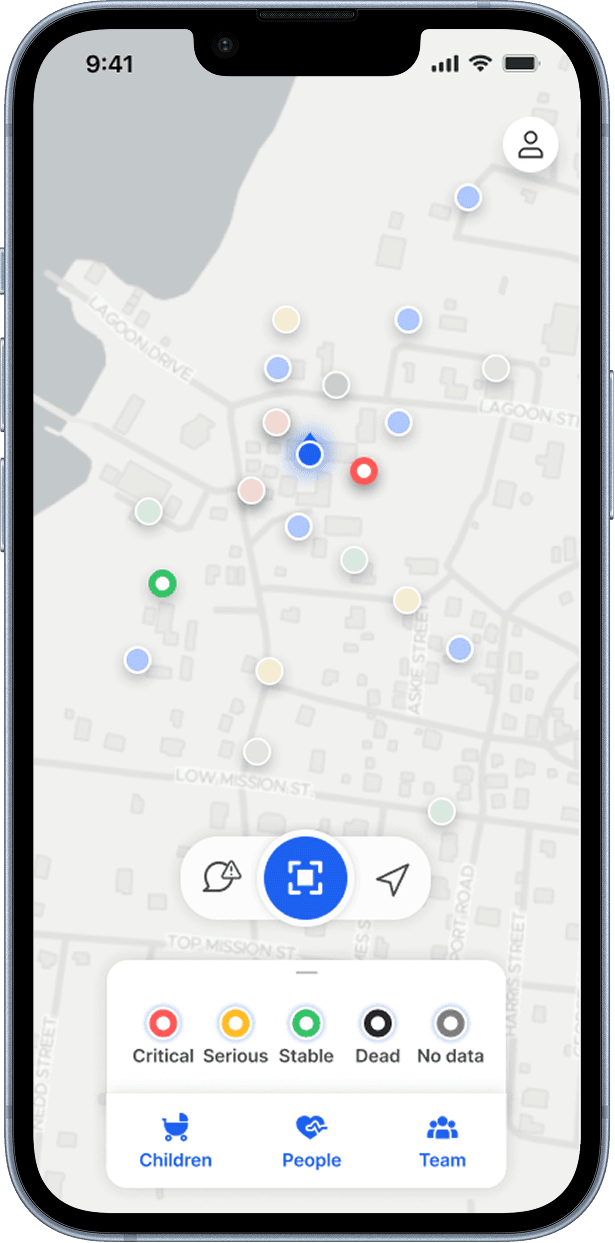
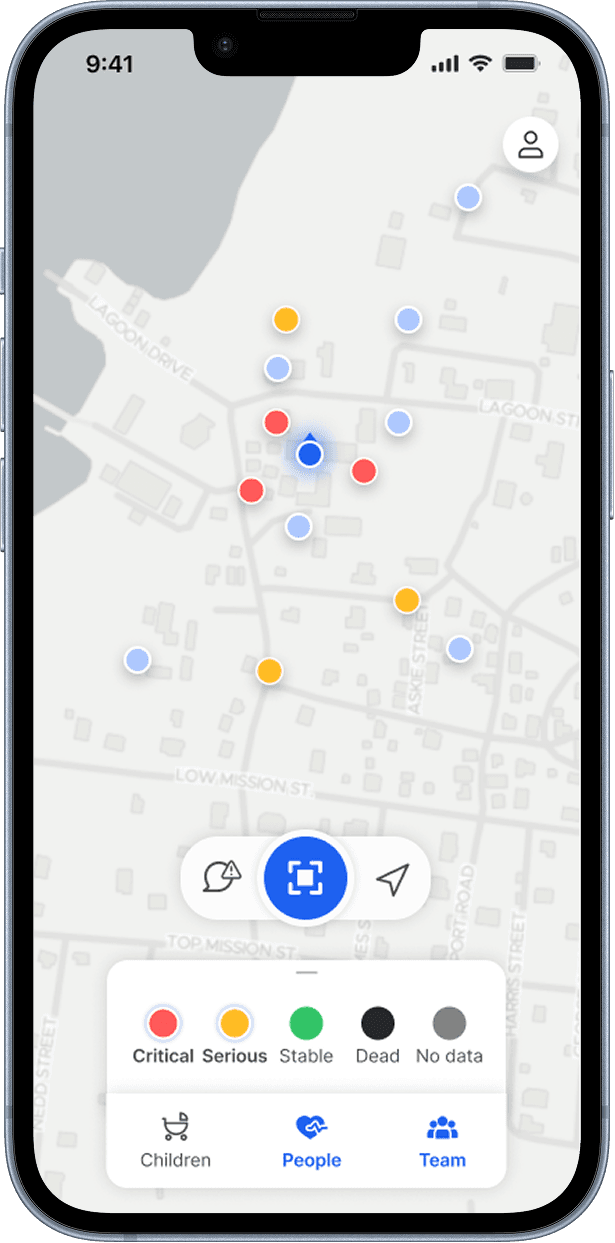
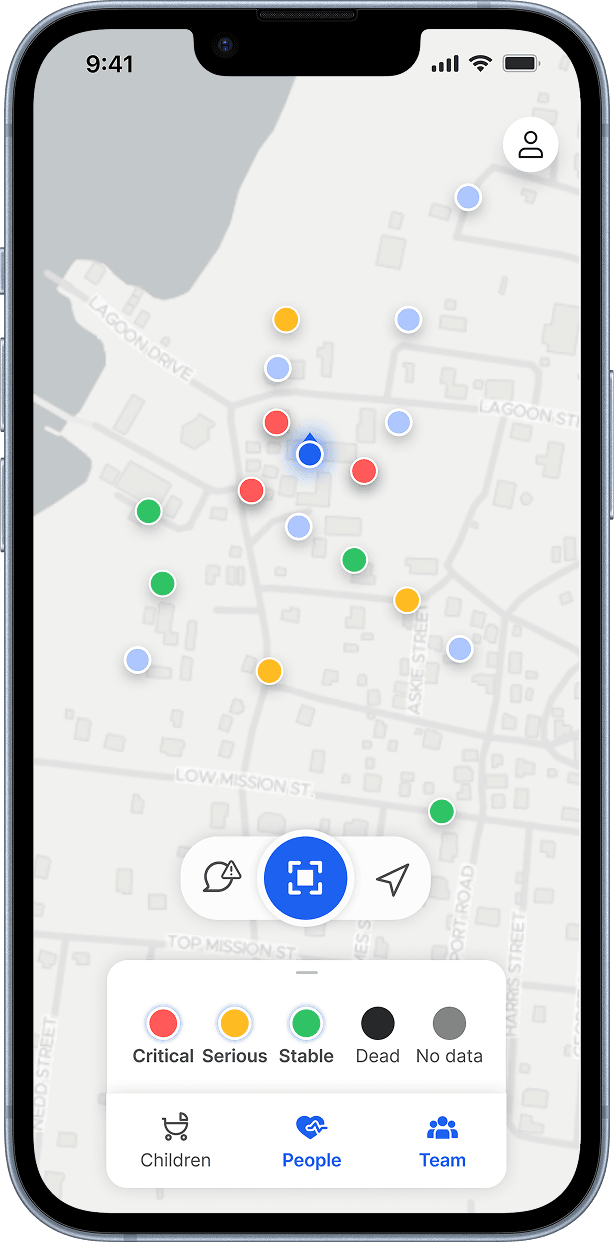
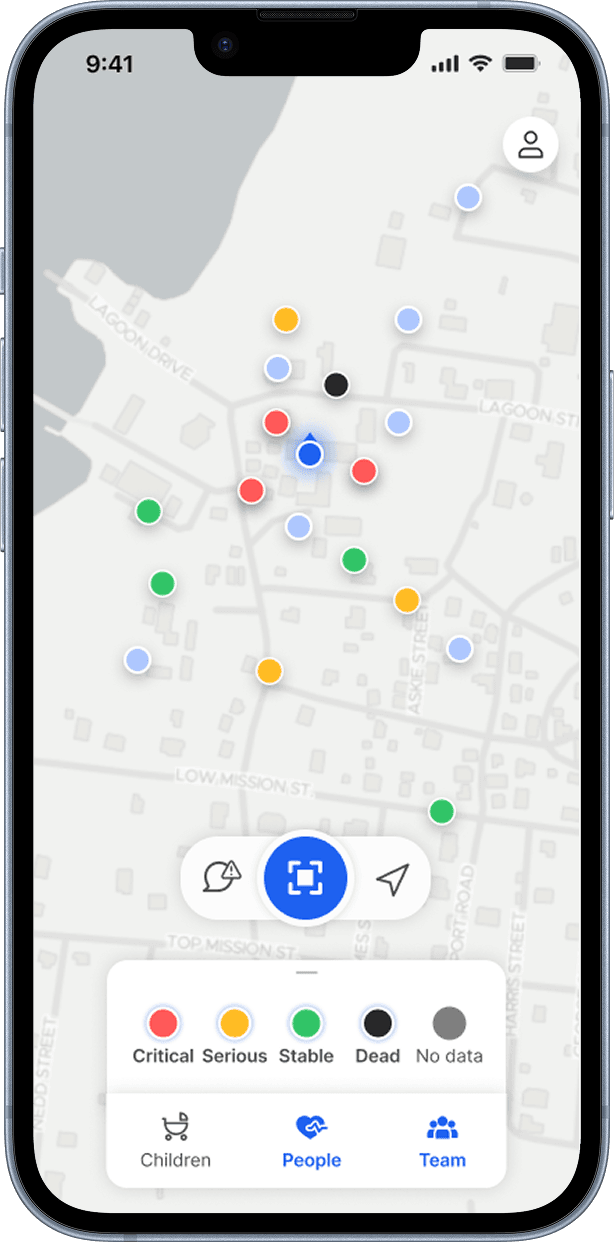
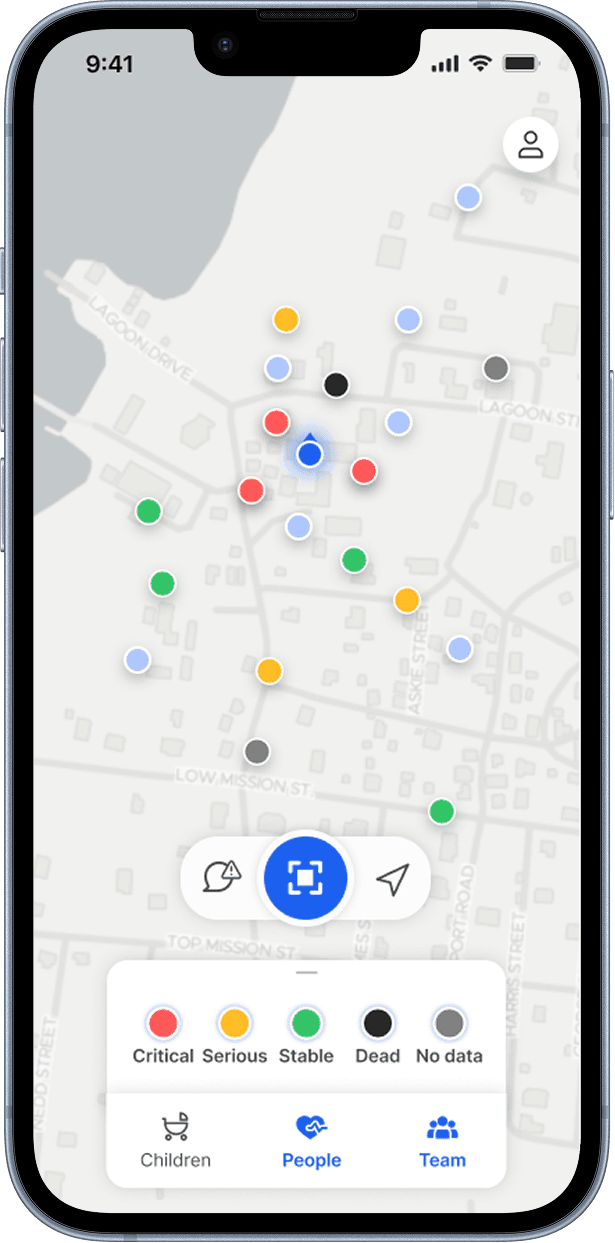
“Rescuers need easy and quick access to the information. They should see what matters first.”
— Rescuer interview
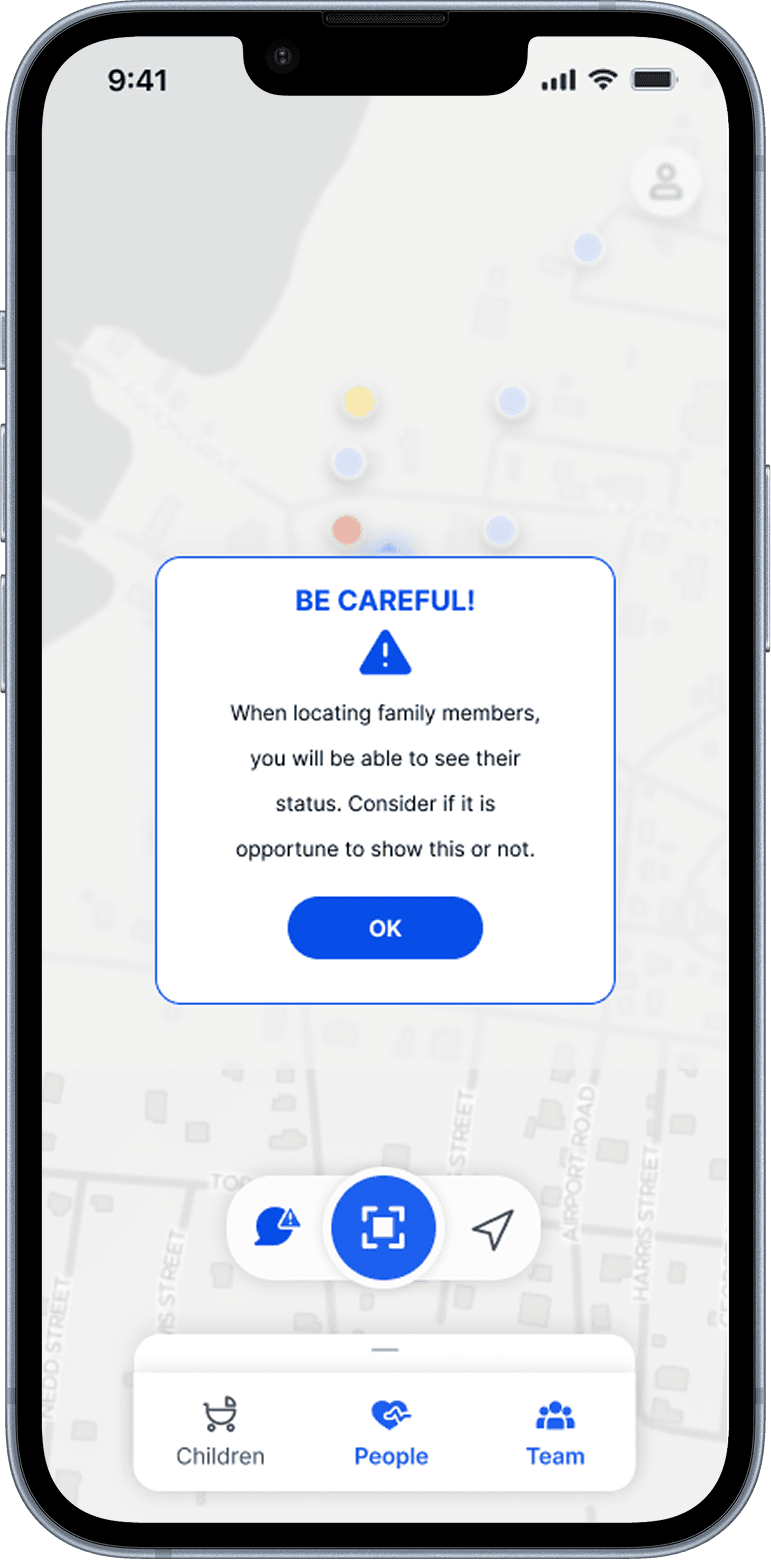
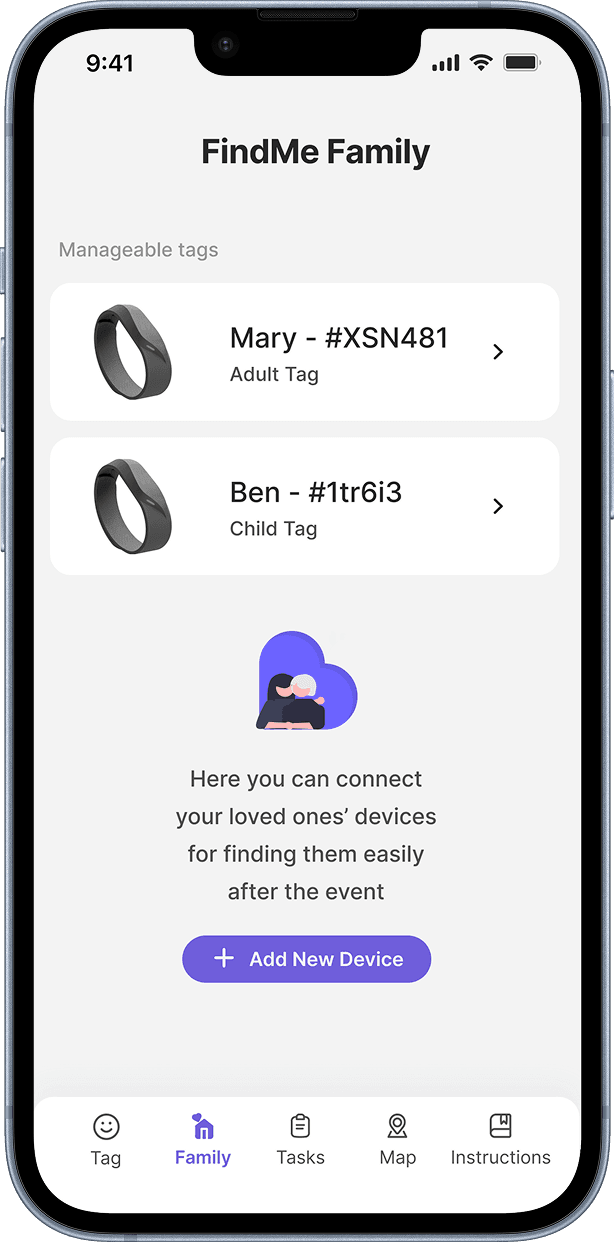
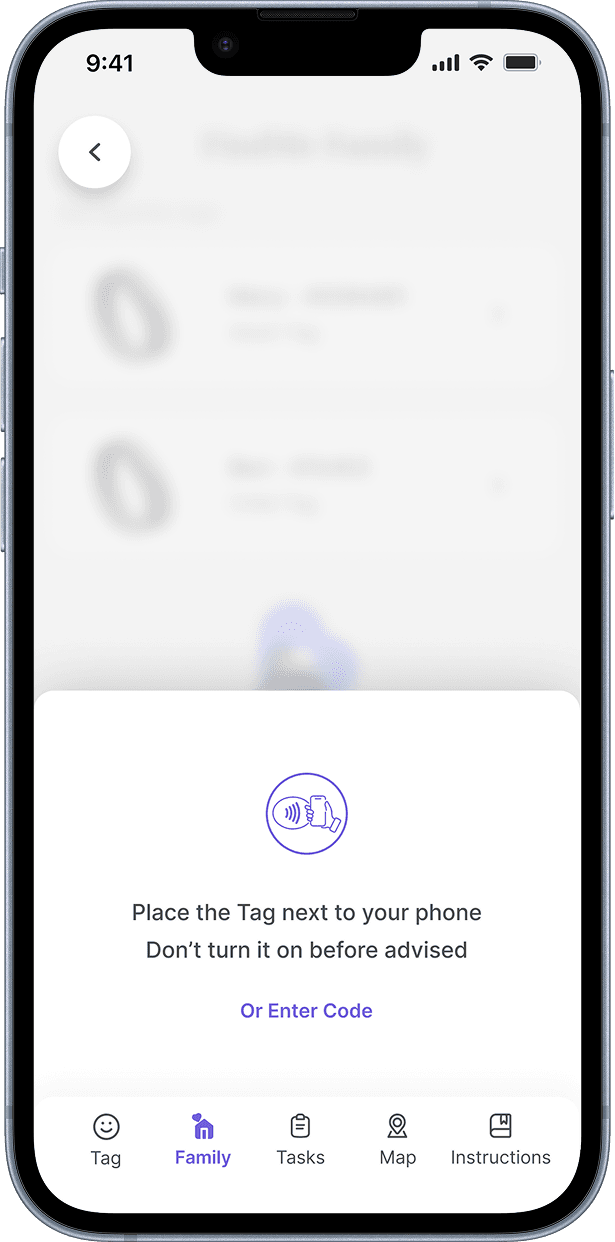
Hi-fi prototypes for both interfaces, tested with users. Validation surfaced something we hadn't fully designed for: users didn't want family members to have hierarchical access to their data without consent. The idea that someone else controlled information about their loved ones felt wrong, even within a family.
That finding would have reshaped the permission model in the next iteration. Catching it in testing rather than after launch was exactly right.
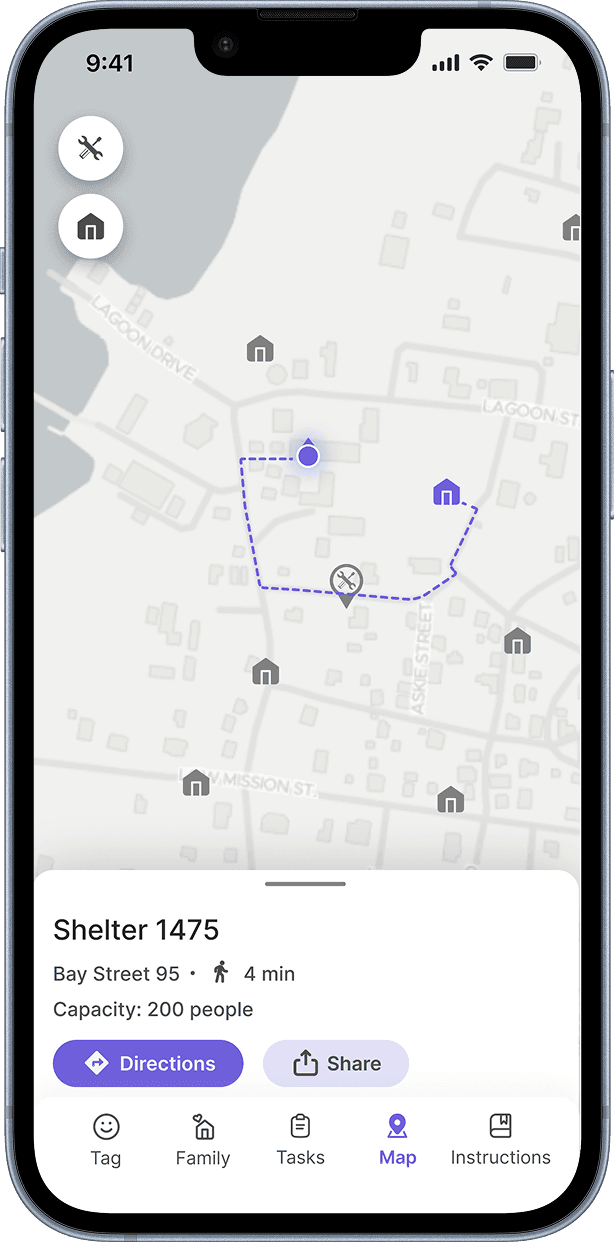
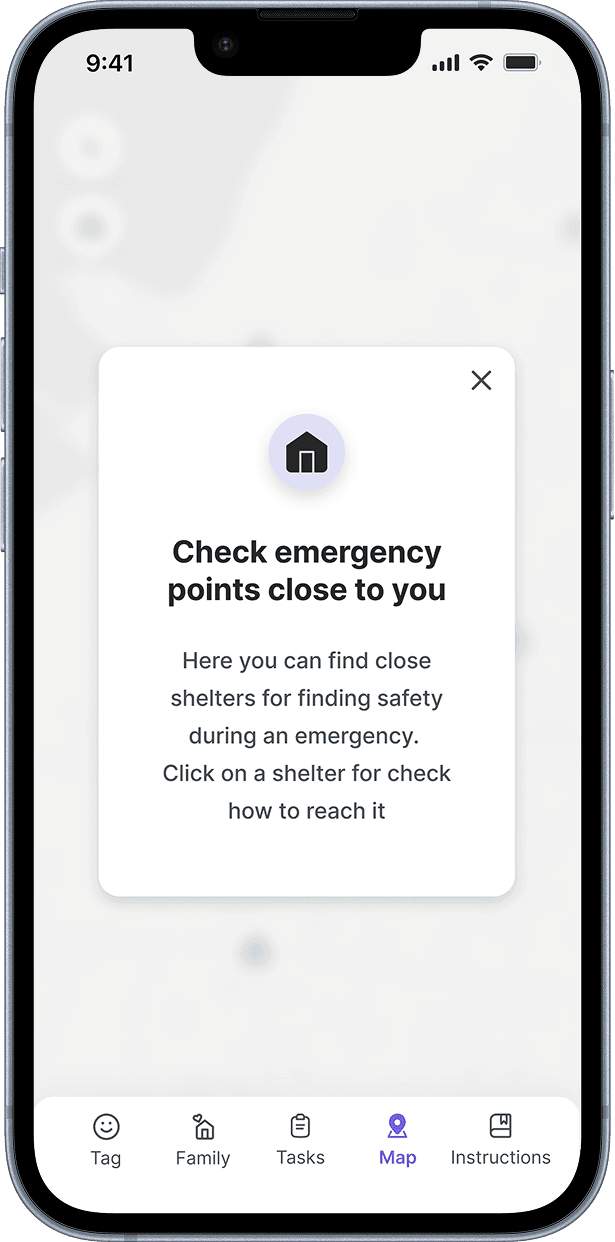
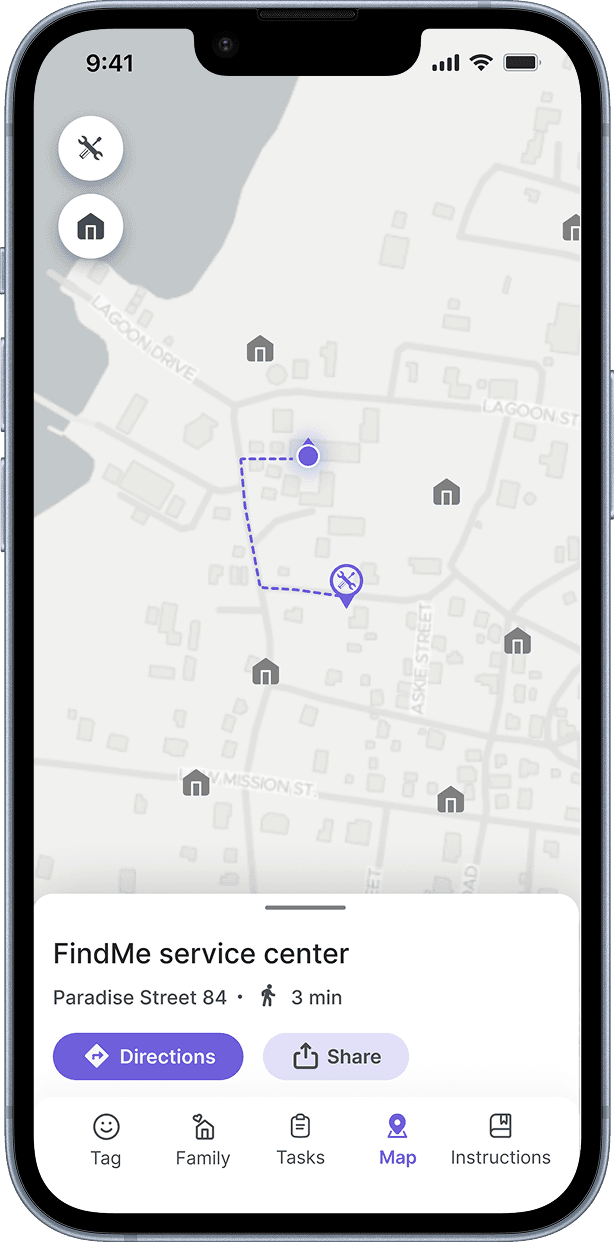
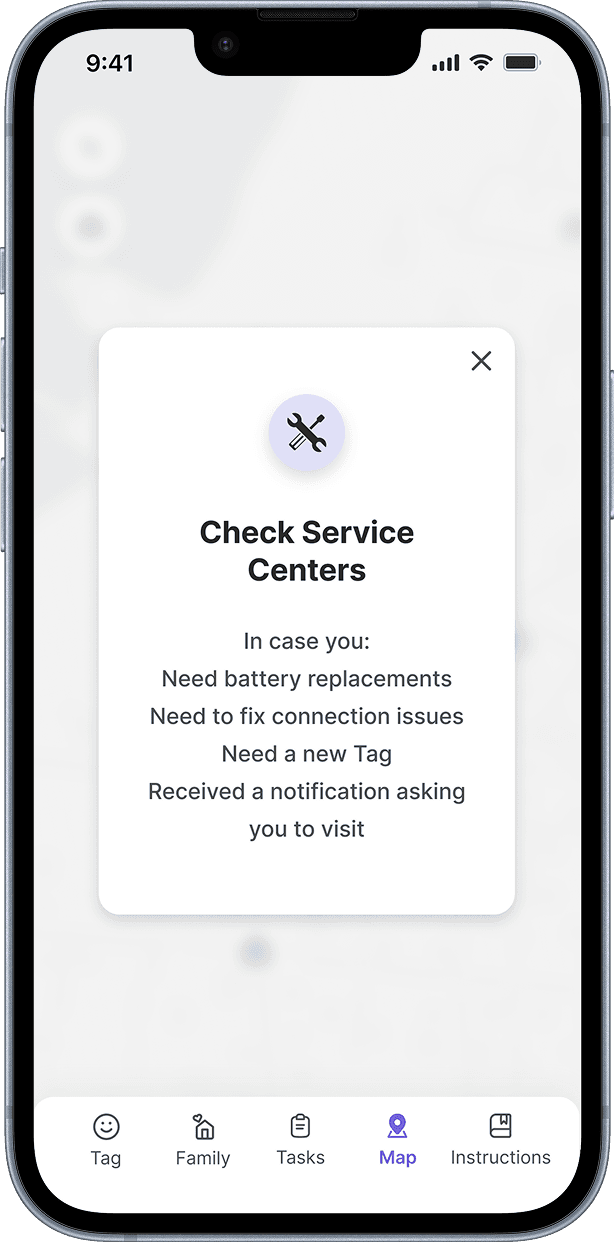
I'd establish a shared design language between both interfaces from the start. We designed them in parallel and the result was two coherent products that felt like they came from the same system, but it required more alignment work than it should have. A shared component foundation would have made that easier and freed more time for the system-level questions that mattered most.